AI CAD: what the tools produce for a manufacturer
AI CAD covers several kinds of tool, from prompt-to-part generators to assistants and drawing features inside CAD software. Each kind produces something different, and the difference matters once a plant has to build from the result. This guide sorts the tools by what they produce and gives you a test to run on one of your configured parts. It ends with the configured route, where your rules drive the model and a person signs the drawing.

What AI CAD means
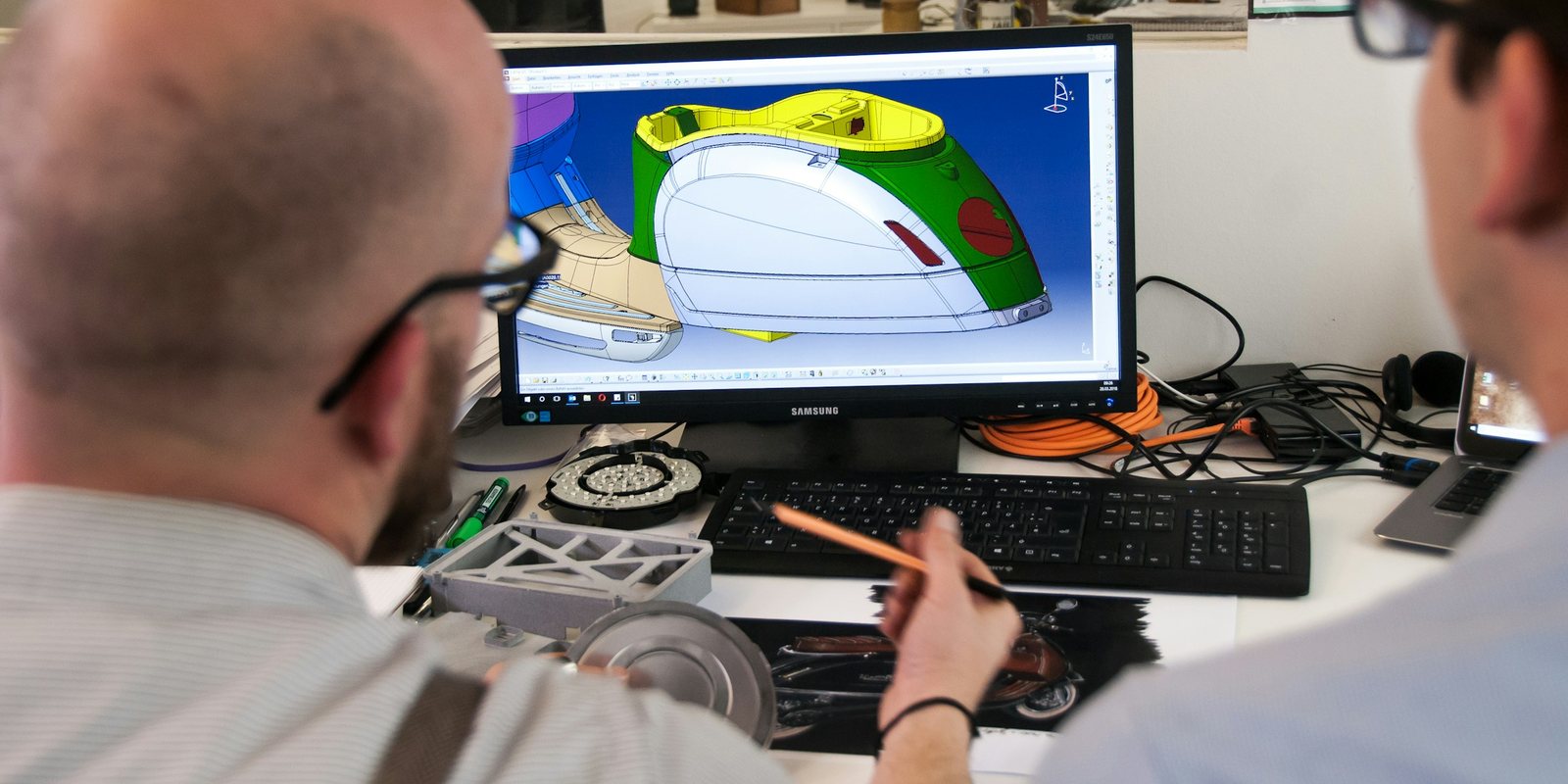
AI CAD is a loose term. People use it for any software that applies machine learning to computer-aided design, and the tools under it do very different jobs. Sorting them by what they produce is the quickest way to see which ones matter to a manufacturer.
| Kind | What it does | Examples | What you get |
|---|---|---|---|
| Prompt-to-part generators | Turn a written prompt into a 3D model | Zoo, and research models such as Text2CAD | A solid model, exported as STEP or as a mesh |
| Assistants inside CAD | Answer questions and run commands in the CAD software you already use | SOLIDWORKS AURA, Autodesk Assistant in Fusion, Onshape AI Advisor, Leo AI | Answers and actions in your own files |
| Drawing and sketch features | Automate steps of drafting and sketching | Automated drawings and AutoConstrain in Fusion, Replicate Annotations in Onshape | Drawings and constrained sketches from your own models |
| Copilots that model | Build or edit features inside a CAD system from instructions | Adam, working in Onshape and Fusion | Features added to a model you own |
| Design automation | Drive CAD from rules someone wrote, with no machine learning required | DriveWorks, Tacton | Order-specific models, drawings and bills of materials |
Image generators also come up when people search for an AI CAD drawing generator. They produce a picture that looks like a drawing, with no geometry behind its lines and no dimensions anyone can build to.
What the tools produce
Four questions sort the output of any AI CAD tool for a plant. Ask them about every result before anyone builds from it.
- Solid or mesh. A solid model, the kind a STEP file stores, keeps exact faces and edges, so a hole knows its diameter. A mesh is a surface of triangles, which suits printing and rendering but not machining, as the STL to STEP converter page explains.
- Editable or fixed. A model with a feature history changes when you edit a dimension. A generated solid without one has to be edited face by face, or modelled again.
- Drawing or no drawing. A shop builds from a dimensioned drawing with tolerances, materials and a title block. A model alone leaves those decisions to whoever opens it.
- Your parts or generic parts. A frame built from your standard sections and bolt patterns can be bought and built. A generic one has to be redrawn to your standards first.
Zoo’s own write-up describes its Text-to-CAD as generating B-rep models, the exact-surface kind, rather than meshes. Its Design Studio exports STEP, STL, glTF, OBJ and PLY. A generated model still needs your drawing, your tolerances and your standard parts before anyone can build it.
A test to run on one configured part
Vendor demos use parts chosen to work. Test an AI CAD tool on a part you sell instead, in sizes you have already drawn. A conveyor section, a machine guard or an electrical enclosure suits the test, because you know exactly what the finished drawing should look like.
- Pick one product family and three past orders in different sizes, with the drawings that went out.
- Write each order the way a customer would: the size, the options and where it has to fit.
- Give the same text to each tool, and save what comes back without editing it.
- Compare the result with your drawing: overall dimensions, standard parts, hole patterns, material and gauge.
- Ask for the drawing, and check whether it uses your template, your title block and dimensions a shop could build from.
- Change one option, such as the length, and check that everything that should follow it does.
Score each result as usable, usable after edits, or redrawn. Keep the scores and the files, because the tools change quickly and the same test can run again in six months.
Why no AI CAD tool knows your rules
The last step of that test matters most. When the length changes, your drafter knows that the number of supports changes and the guard panels split differently. Those decisions come from rules your plant wrote down over years. They sit in an Excel builder, a standards binder and the heads of a few people.
A general model has never seen those rules. An assistant inside CAD can work on the model that is open, and some can search company documents, as SOLIDWORKS describes for AURA. Neither knows that your guard panels never exceed a set width, or which bearing you standardized on. Where a rule is missing, the tool fills the gap with a plausible guess. On a part someone will cut, a person has to catch that guess before the part is made.
The configured route: rules drive the model
For parts a plant sells in many sizes, the reliable route runs the other way. The rules come first, and the geometry follows from them.
AI still does useful work on that route. It reads the request into options, reads your builder into rules for an engineer to check, and drafts the notes and the cover letter. It does not set a dimension. Every number comes from a rule or a record that a person can open.
The general arrangement drawing guide describes the same split for the drawing that goes out with a quote. CPQ for manufacturing covers how one configuration produces both the price and the drawing.
Can AI do CAD drawings?
Yes, when the drawing starts from a model. Autodesk lists automated drawings among the AI features in Fusion, generating 2D manufacturing drawings from a 3D model. Onshape has a beta feature that copies drawing annotations between views. Both start from a model you built, so the drawing inherits whatever that model got right or wrong.
Generating a drawing from a prompt or a photo is a different matter. An image generator can make something that looks like a drawing, but its dimensions belong to no geometry. Use it for a sketch to discuss, never for a drawing to build from.
For a configured product, a drawing template is the dependable route. Your drafter sets it up once, links it to the parametric model, and each configuration fills it in.
Where your drawings go
Many AI CAD tools run in the vendor’s cloud, so a model or a drawing you give them leaves your building. That matters when the drawing belongs to a customer, or when your contract limits where it can be stored. Before anyone uploads a customer file, read each tool’s terms. Check where files are stored, how long they are kept and whether they train the vendor’s models.
Give your team a rule they can follow, such as using only your own parts for tests and never a customer’s drawing. Is ChatGPT safe for confidential information covers the same question for chat tools. Private AI for business covers the setups that keep files under your control.
Will AI replace CAD designers?
For configured products, the repeated drafting moves into rules and templates. Someone still writes the rules, keeps the templates current and checks each result. Those people are usually the designers, because they know the product best.
New designs are a different case. The assistants inside CAD run commands and answer questions, and the generators produce starting shapes. Neither one carries the responsibility for a part that has to fit, hold a load and be built. A person still signs that drawing.
Where to start
Start with the product family your drafters redraw most often. Collect ten past orders with their drawings, and write down the rules that changed between them. Then run the test above on two or three AI CAD tools, and on a configured template built from those rules. Record each result in the same format, so the comparison stays fair when someone repeats it next year.
Whichever route wins, keep a named person signing every drawing that goes out. Text to CAD covers the prompt-to-part tools in more detail. The AI CPQ offer describes the configured route as a four-week first stage.