Offer 03MRP

MRP software for less stock and on-time delivery

A min and max for every part from real consumption, and orders drafted by supplier for your buyer to approve.
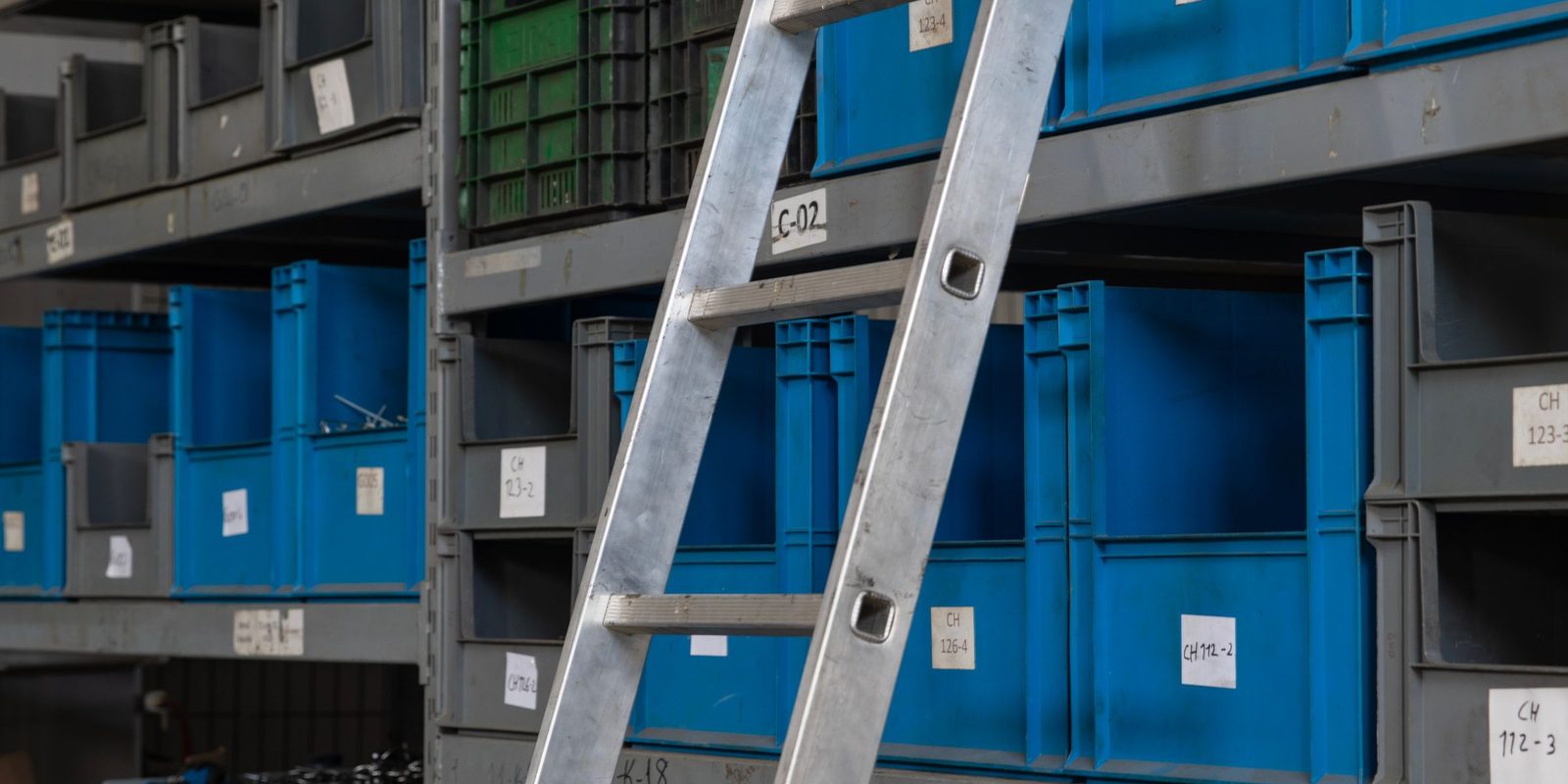
Blue and grey parts bins on steel shelves, each labelled with a bin code, with an aluminium ladder leaning on the rack

Who it’s for

This offer is for the owner and the operations lead of a manufacturer or distributor in Canada or the United States. The offer is also for the buyer who places the orders.

Min and max levels are set by hand. Part of the stock never moves, and the parts an order needs run short when the order arrives.

MRP (material requirements planning) works out what to order and when. This module sets a min and a max for each part from what you consumed, and drafts an order for each supplier.

The offer fits when:

  • Min and max levels were set by hand, and nobody has checked the levels against what you use.
  • Some parts never move, and others keep running out.
  • Your buyer builds each order from memory or a spreadsheet, one supplier at a time.
  • An order sits ready to ship except for one missing part.
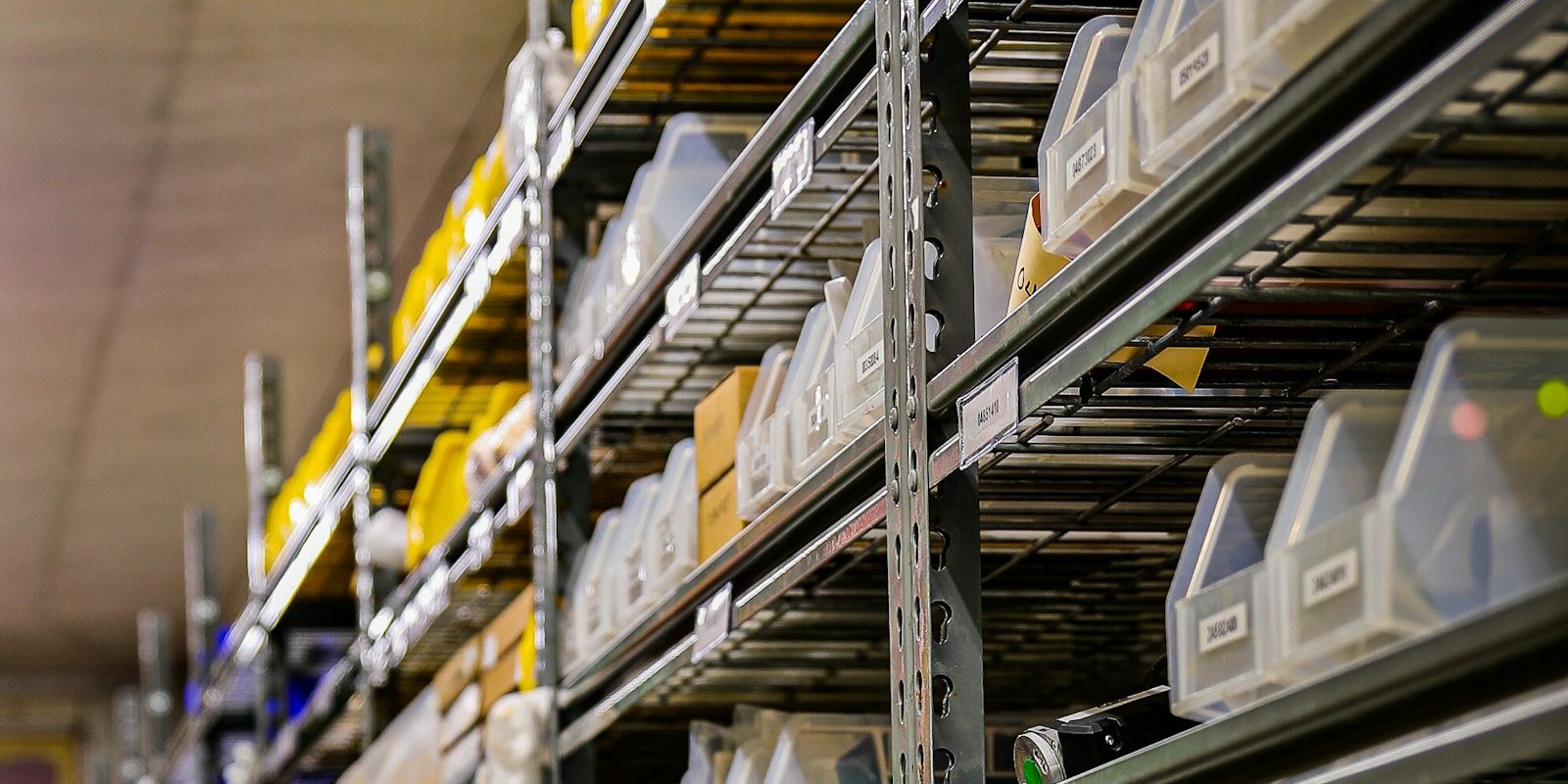
Clear plastic bins on wire shelving in a stockroom, each bin with a printed label
Each part gets a min and a max calculated from what you used.

What you get

01A min and a max for every partCalculated from the consumption of each part and the lead time of the supplier, with the numbers behind each level shown.
02Stock above the new maxEvery part with more stock on hand than the new max, and the value of the extra stock.
03Draft orders by supplierOne draft order per supplier for the parts below their min, with the quantity that brings each part back up to the max.
04A buyer approving each orderNothing goes to a supplier until your buyer approves, changes or rejects the draft.
05Levels that stay currentThe min and max are recalculated as consumption changes, on the schedule you choose.
06The measure, before and afterThe stock-to-sales ratio and the working capital freed, measured before the first stage and after.

How it runs

After the diagnostic, six weeks to daily use.

Week 1Your stock and consumption in your workspaceWe connect read-only to your ERP and load stock on hand, consumption history, open orders and supplier lead times for every part. With you, we measure the stock-to-sales ratio today.
Weeks 2 and 3A min and a max for every part, tested on past monthsWe calculate each level from consumption and lead time. Then we replay past months to see where the new levels would have run short.
Weeks 4 and 5Draft orders beside your buyer’s ownEach week your buyer gets a draft order for each supplier, next to the orders placed the usual way. We compare the two and fix what differs.
Week 6Draft orders in daily use, approved by your buyerYour buyer orders from the drafts and approves each one. We hand over and decide with you which module comes next.

The first stage takes six weeks. The price is set after the diagnostic and stays the same however many days the work takes. The module runs on your own workspace and keeps running after week 6. A monthly plan covers improvements and support.

What we need from you
AccessRead-only access to your ERP, or exports where a direct read is not possible.
DataStock on hand, consumption or sales history by part, open purchase orders and supplier lead times.
Your ordering rulesSupplier minimums and pack sizes, and the parts you never want to run out of.
TimeYour buyer and your operations lead, about two hours each in week one, then about an hour a week to review the drafts.
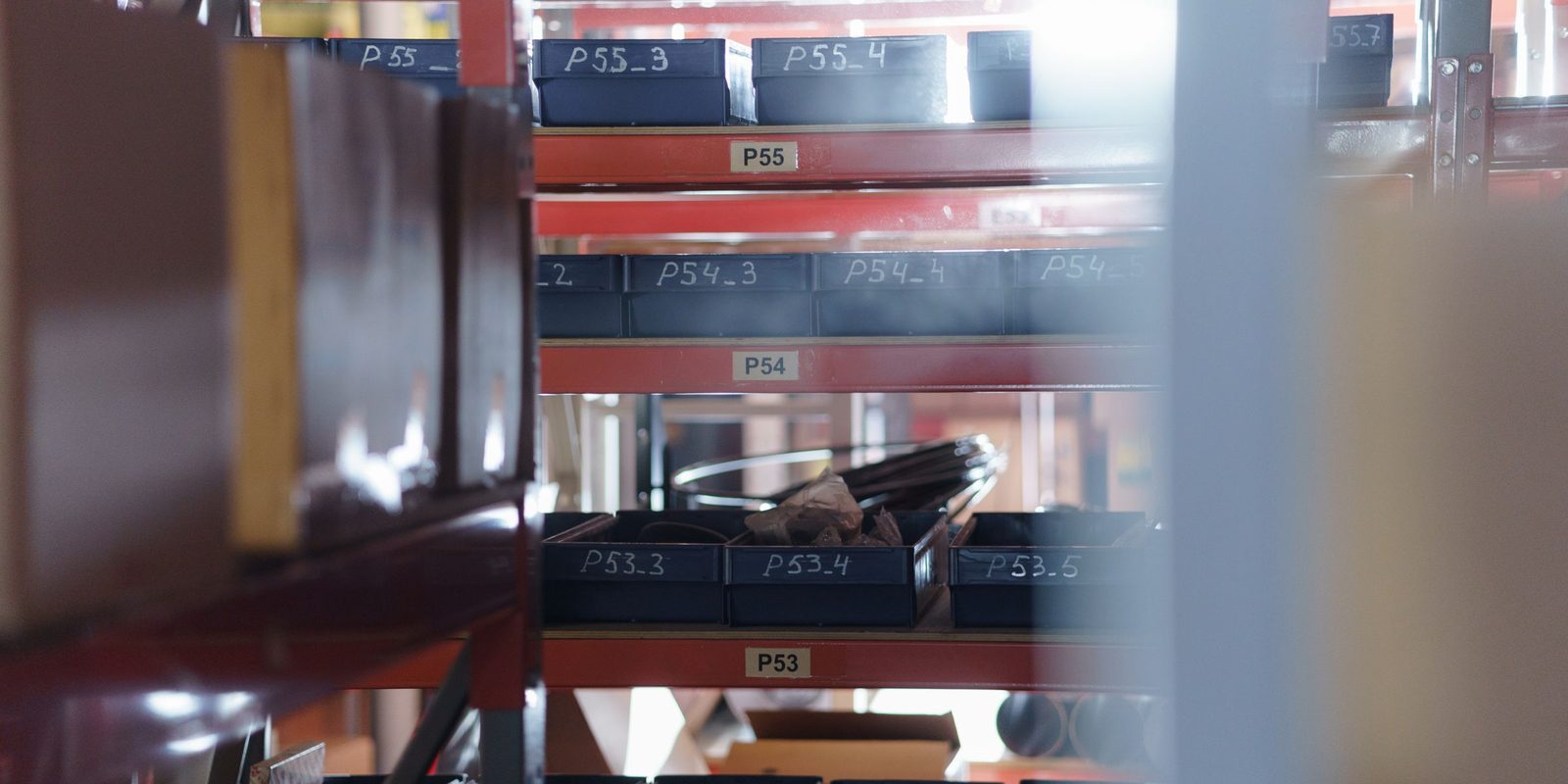
Dark storage trays on red shelving, each tray marked with a location code such as P53_3 or P54_4

What changes

Your buyer starts each order from a draft instead of a blank screen. Every min and max shows the consumption and lead time behind the number, so your team can check and override any part.

The measure is the stock-to-sales ratio and the working capital freed, before and after. The ratio compares the stock you hold with what you sell. The working capital freed is the cash that no longer sits in stock.

Less cash sits on the shelf, and the parts an order needs are there when the order arrives. Orders ship when promised, so invoices go out and cash comes in sooner.

After the first stage

The min and max levels and the draft orders keep running on your workspace after the first stage.

Your workspace
One data warehouse, with your own copy of your dataReserved for your team, and hosted by ThriveAI or on your own servers.
Your systems
ERPAccountingEmailSpreadsheetsFiles and drawings

One workspace per company. Modules are added one at a time, and each new module reads the data that is already in the warehouse.

What can come next

Your parts, stock, consumption and suppliers now sit in your workspace. The next module starts from the same data.

Questions people ask

What does it cost?
The price of the first stage is set after the diagnostic and stays the same however many days the work takes. ThriveAI does not publish prices.
Does it send orders to suppliers by itself?
No. The module drafts one order per supplier, and your buyer approves, changes or rejects each draft before anything is sent.
How are the min and max calculated?
From the consumption of each part and the lead time of the supplier who delivers the part. For a distributor, consumption is what you sell. Your team sees the numbers behind each level and can override any part.
Do we have to replace our ERP?
No. The module reads stock, consumption and orders from the ERP you run, and approved orders go back through your buyer or an import file. AI for ERP explains the ways to connect.
Where does our data go?
Your company has a copy of the data reserved for your team. ThriveAI hosts that copy, or you host the copy on your own servers. The AI assistant in the tool uses only models with zero data retention (ZDR), which means the provider does not keep the requests. The AI used to build the tool does not train on your data.
Who owns the code?
The code belongs to ThriveAI. Your company uses the code under a licence with no fee. Code written for your company alone can be transferred to your company by agreement. A monthly plan covers improvements and support.

Contact

Free up the cash sitting in your stock

Tell Derik what you make or distribute, which ERP you run and how you set min and max levels today. He will tell you what the diagnostic would look at and what six weeks would cover.

Prefer to talk? Book a meeting.

Your message goes to Derik Lawlis, the founder.