Offer 06APS

Advanced planning and scheduling software

A schedule built on your real capacity and run times, so jobs finish sooner and cash comes in faster.
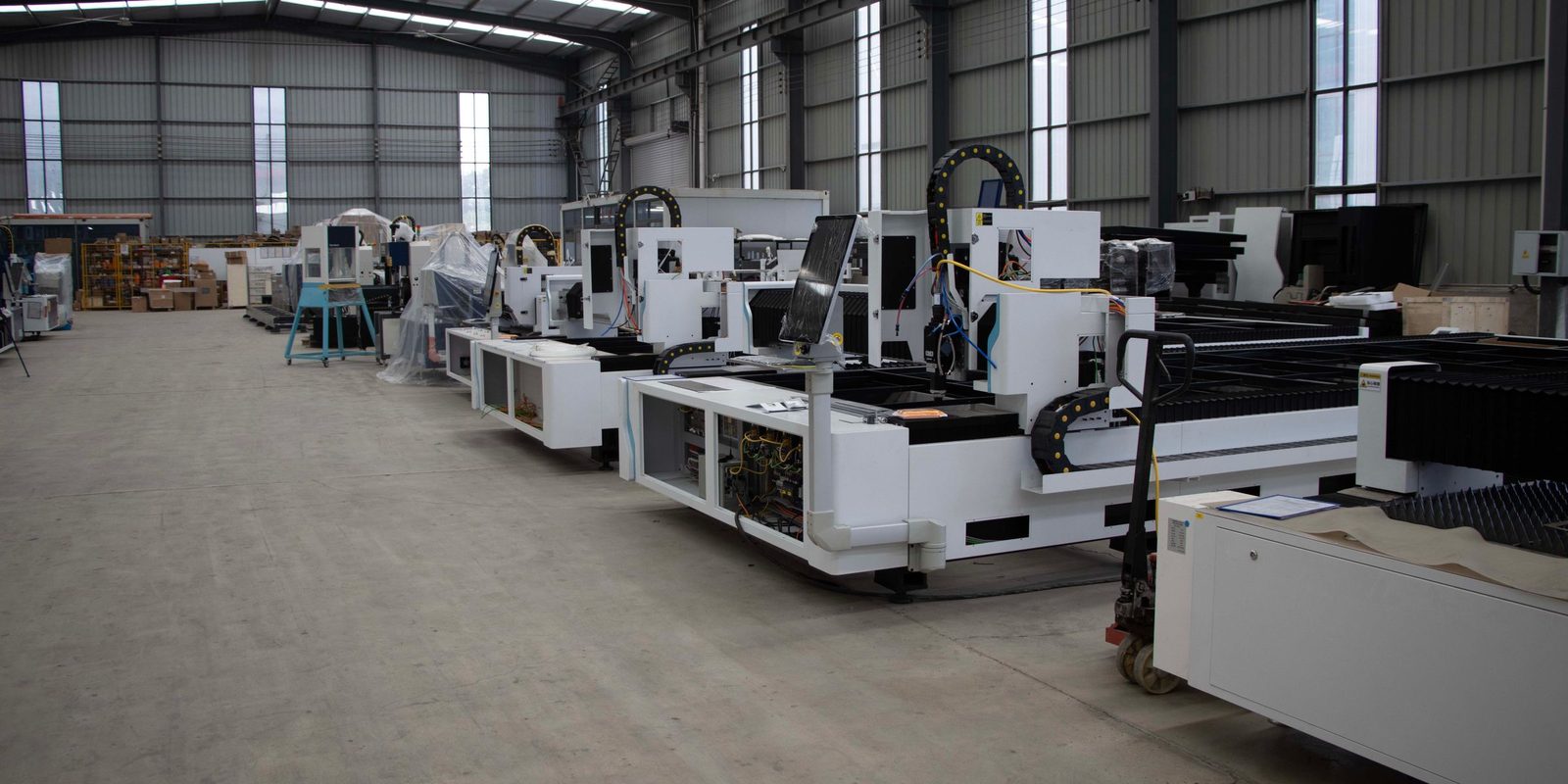
A row of white industrial cutting machines in a bright, high-roofed factory hall

Who it’s for

This offer is for the owner and the operations lead of a manufacturer in Canada or the United States. The offer is also for the planner who builds the schedule, whether on a whiteboard or in a spreadsheet.

Jobs wait in queues between machines, and the plan changes each time a rush order arrives or a machine goes down. The schedule lives in one planner’s head, so nobody can say when an order will finish.

Advanced planning and scheduling (APS) software plans every job on every machine within the hours each machine has. The software also checks that material is on hand when the job starts. The guide to production scheduling software explains finite-capacity scheduling.

The offer fits when:

  • Promised dates slip because the plan ignored a busy machine.
  • One planner builds the schedule, and nobody else knows how.
  • A rush order or a breakdown means redoing the week by hand.
  • The run times in your ERP no longer match what the floor does.

A roll of wood-grain edge banding on the feed table of an edge-banding machine, with guides and cables behind
Every machine gets a sequence of jobs that fits the hours the machine has.

What you get

01A schedule within real capacityEvery operation on every work order gets a machine, a start time and a finish time, within the hours each machine has.
02Run times from your own historySetup and run times learned from your completed jobs, with the routing standards that no longer match flagged for review.
03A new plan after a breakdown or a rush orderRebuilt when a machine stops or a rush order lands, showing which orders moved and by how much.
04Dates you can promiseThe finish date of every open order, so sales can promise a date the plant can meet.
05A planner approving every changeNo new sequence reaches the floor until your planner approves the plan.
06Production lead time, before and afterThe days from releasing a work order to finishing the job, measured before the first stage and after.

How it runs

After the diagnostic, four steps to a schedule in daily use.

Step 1Your work orders, routings and machines in your workspaceWe connect read-only to your ERP and load work orders, routings, bills of materials, stock and machine calendars. With you, we pick the bottleneck and measure production lead time today.
Step 2A schedule for the bottleneck, tested on past weeksWe build the schedule from real run times and replay past weeks to compare the schedule with what the floor did.
Step 3The new schedule beside the old oneYour planner runs the new schedule beside the usual one. We compare on-time finishes and changeover hours, and fix what differs.
Step 4The schedule in daily use, approved by your plannerYour planner approves each plan before the plan reaches the floor. We hand over and decide with you what comes next.

The length and the price of the first stage are set after the diagnostic. The price stays the same however many days the work takes. The module runs on your own workspace and keeps running after the first stage. A monthly plan covers improvements and support.

What we need from you
AccessRead-only access to your ERP, or exports of work orders, routings and stock.
DataOpen and completed work orders with actual start and finish times, routings with setup and run standards, and bills of materials.
Your floorShifts, holidays and maintenance for each work centre, and the rules that live in people’s heads, such as fixtures and certified operators.
TimeYour planner and your operations lead, about two hours each at the start, then about an hour a week to review the schedule.
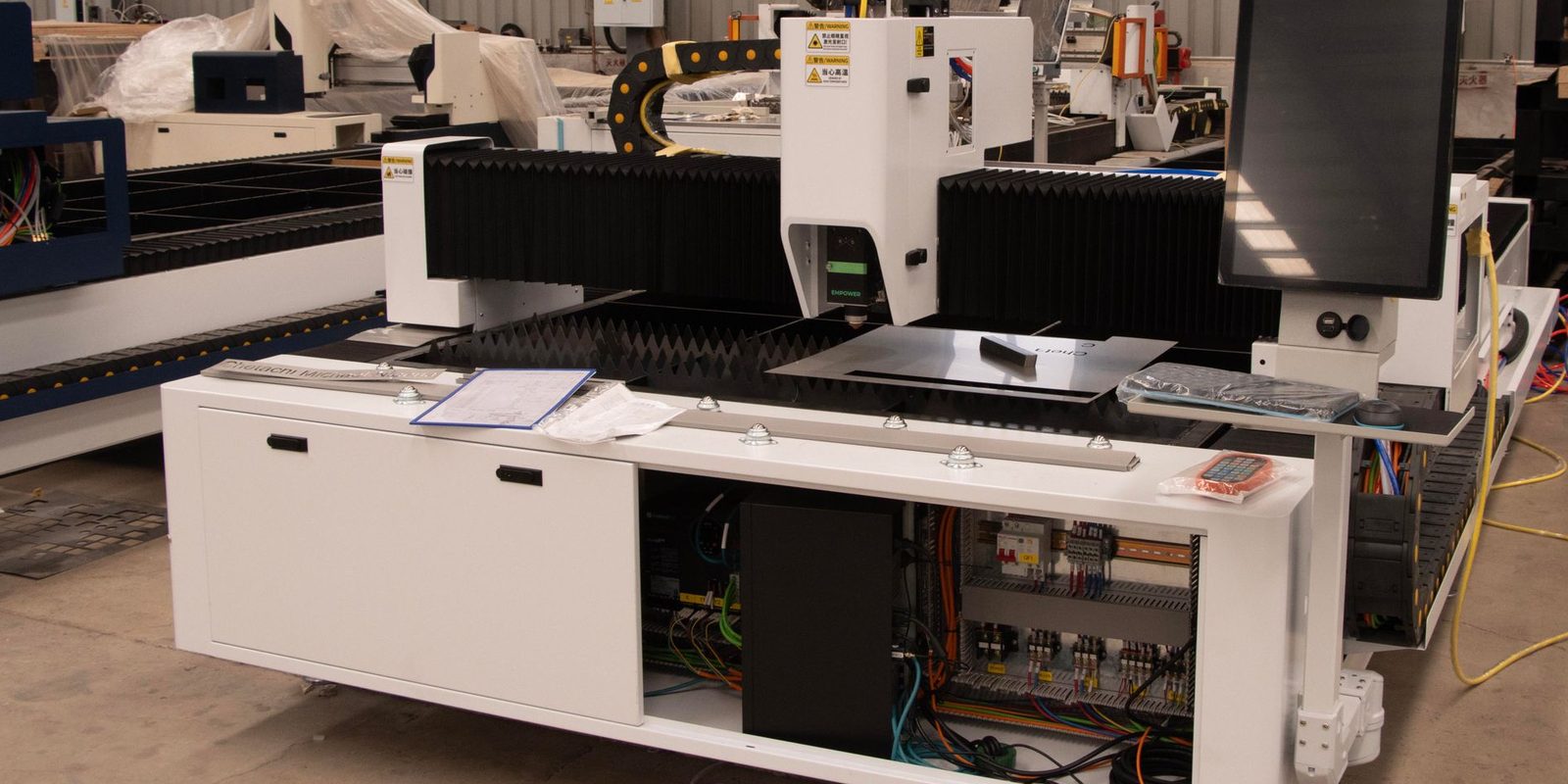
A white laser cutting machine with a large touch screen and an open electrical cabinet on a factory floor

What changes

Your planner builds the week from a schedule the plant can meet, and sales promises dates from the same schedule.

The measure is production lead time, before and after: the days from releasing a work order to finishing the job. Both numbers come from the same kinds of jobs.

Jobs finish and ship sooner, so the invoice goes out and the cash comes in faster.

After the first stage

The schedule keeps running on your workspace after the first stage, and builds a new plan when orders or machines change.

Your workspace
One data warehouse, with your own copy of your dataReserved for your team, and hosted by ThriveAI or on your own servers.
Your systems
ERPAccountingEmailSpreadsheetsFiles and drawings

One workspace per company. Modules are added one at a time, and each new module reads the data that is already in the warehouse.

What can come next

Your work orders, routings and run times now sit in your workspace. The next module starts from the same data.

Questions people ask

What is APS software?
Advanced planning and scheduling (APS) software plans each job on each machine within the hours the machine has. The software also checks that material is on hand when the job starts.
What does it cost, and how long does it take?
The price and the length of the first stage are both set after the diagnostic. The price stays the same however many days the work takes. ThriveAI does not publish prices.
Does the schedule change without the planner?
No. A new plan goes to your planner with the orders that moved, and reaches the floor only after the planner approves the plan.
Do we have to replace our ERP?
No. Work orders, routings and stock stay in your ERP. The schedule reads that data and gives your planner the sequence and the dates.
Where does our data go?
Your company has a copy of the data reserved for your team. ThriveAI hosts that copy, or you host the copy on your own servers. The AI assistant in the tool uses only models with zero data retention (ZDR), which means the provider does not keep the requests. The AI used to build the tool does not train on your data.
Who owns the code?
The code belongs to ThriveAI. Your company uses the code under a licence with no fee. Code written for your company alone can be transferred to your company by agreement. A monthly plan covers improvements and support.

Contact

Finish jobs sooner on the machines you have

Tell Derik what you make, which ERP you run and how the schedule is built today. He will tell you what the diagnostic would look at and what the first stage would cover.

Prefer to talk? Book a meeting.

Your message goes to Derik Lawlis, the founder.