AI in procurement: supplier quotes, purchase orders, supplier risk and spend
AI in procurement reads supplier quotes and lines them up on the same terms, drafts purchase orders from approved requests and reorder points, watches your suppliers for signs of risk, and sorts what you spend into categories you can act on. At a smaller manufacturer or distributor the buyer stays in charge: software prepares the comparison, the draft and the warning, and a person decides and signs. This guide covers each job, the Canadian checks that apply, and the tools on the market.

What AI does in procurement
Procurement is the work of buying what the business needs: a request, a choice of supplier, a purchase order, a delivery and a payment. In a smaller company, one or two buyers do all of it, often by email and spreadsheet. AI takes the reading, comparing and drafting, and leaves the decisions with them.
| Job | What the software does | What the buyer decides |
|---|---|---|
| Quote comparison | Reads each supplier’s quote and puts them on the same units, currency and delivery terms | Which supplier wins, and whether to negotiate first |
| Purchase orders | Drafts the order from an approved request, a reorder suggestion or the winning quote | Approves the order before it goes out |
| Order follow-up | Reads each supplier’s order confirmation and flags a changed price, quantity or date | Whether to accept, push back or buy elsewhere |
| Supplier risk | Tracks late deliveries, rejects, price creep and single-source parts, and checks names against government lists | Whether to qualify a second source |
| Spend analysis | Cleans supplier names and sorts invoice and order lines into categories | Where to consolidate or renegotiate |
None of these jobs needs a new procurement suite. They run on records you already keep: supplier emails and quotes, purchase orders and receipts in the ERP, and supplier invoices in accounts payable.
Supplier quotes and RFQ comparison
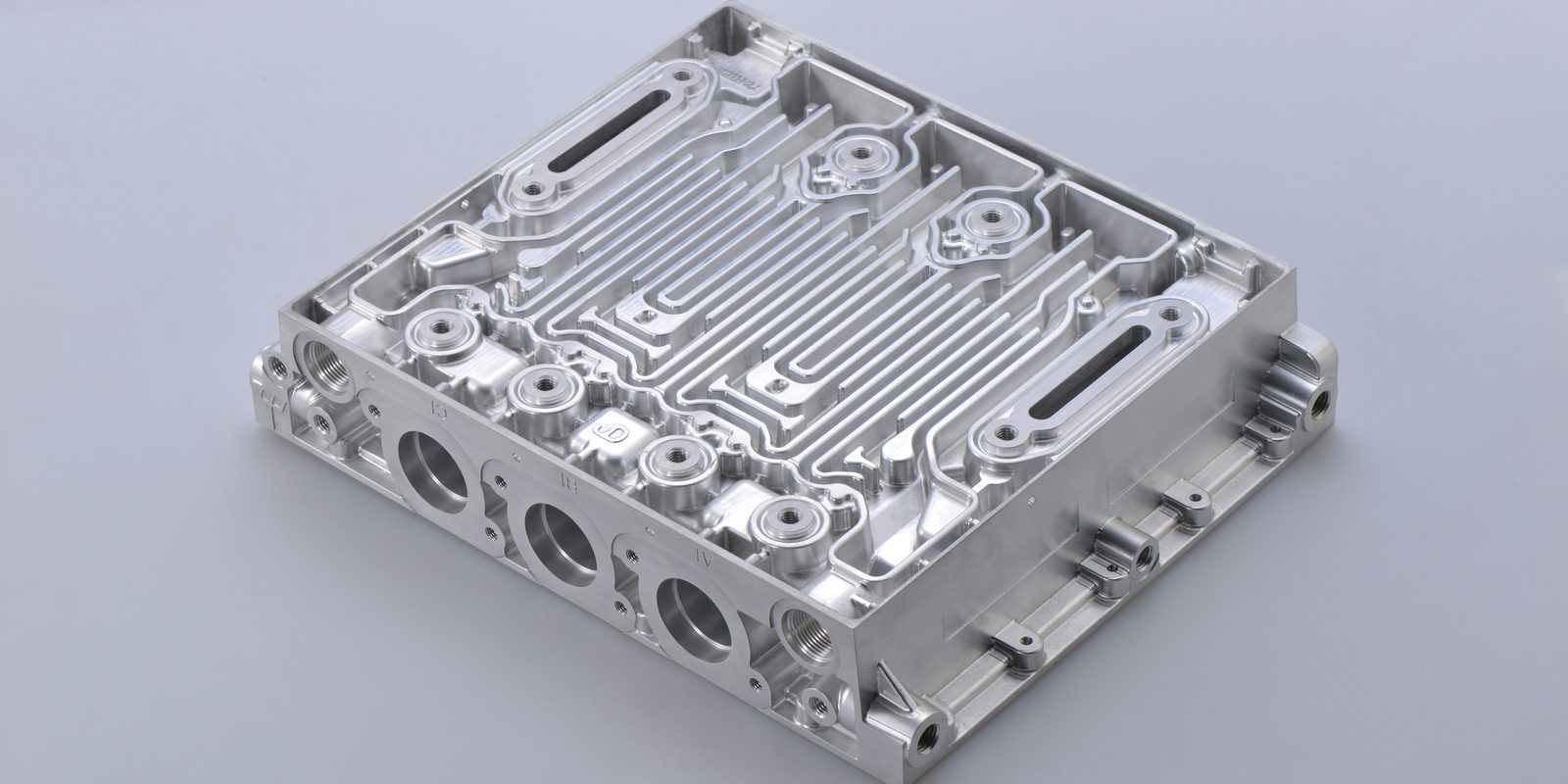
A request for quotation (RFQ) asks several suppliers to price the same items. The hard part comes after the replies: each supplier quotes in its own format, units and currency, with its own freight terms, minimums and one-time charges. Software reads each reply, pulls out those terms, and puts every quote on the same basis. The table shows why that matters. Its three quotes for 500 machined aluminium housings are made up for illustration, and so is the exchange rate of 1.38 CAD per US dollar.
| Supplier A | Supplier B | Supplier C | |
|---|---|---|---|
| Quoted price per piece | $18.40 CAD | US$12.90 | $19.10 CAD |
| Freight | Buyer arranges it, about $250 for this order | Delivered to your dock | Delivered to your dock |
| Other terms | Quote valid 30 days | One-time tooling charge of US$1,500. Customs brokerage not included | Minimum order of 1,000 pieces |
| Lead time | 4 weeks | 6 weeks | 3 weeks |
| Cost per piece for 500 pieces, in CAD | $18.90 | $21.94 before customs brokerage | $38.20, or $19.10 if you can use all 1,000 |
Supplier B has the lowest quoted price until the tooling charge is spread over this order. Supplier C looks close to A and costs twice as much unless you can use the extra 500 pieces. A person weighs the lead time and the relationship, and the software does the arithmetic and lists the fine print.
Two references help. The Bank of Canada publishes daily exchange rates “once each business day by 16:30 ET,” and notes they are “indicative rates only.” The Incoterms rules published by the International Chamber of Commerce define “the tasks, costs and risks involved in the delivery of goods from sellers to buyers,” so a quote marked with an Incoterm tells you who pays freight and when the goods become your risk. Reading supplier PDFs reliably is its own skill, covered in text extraction from images.
Drafting purchase orders and following up
A purchase order (PO) is your written order to a supplier, and the purchase order template shows the fields it carries. Software drafts it from the winning quote, from an approved request, or from a reorder suggestion when stock reaches its reorder point, which AI for inventory management covers. It fills in the supplier, items, prices from the accepted quote, quantities, delivery date, ship-to address and terms, and the buyer approves it before it goes out. Getting the approved order into the ERP runs through an API or, on an older system, a screen agent; AI for ERP compares the routes.
The follow-up is where orders drift. A supplier’s order confirmation can change the price, the quantity or the ship date without anyone noticing. Software compares each confirmation with the PO and flags every difference for the buyer, and later compares the receipt and the invoice with both, which is the three-way match that AI invoice processing explains.
Supplier risk
Much of what you need to know about a supplier is already in your own records. Software can track, for each supplier:
- On-time delivery. Promised dates on POs against the dates on receipts.
- Quality. Rejects and returns recorded at receiving or inspection.
- Price creep. Invoice prices against quoted and past prices for the same item.
- Single sources. Parts with only one approved supplier, and each supplier’s share of your spend.
Some checks come from outside. Global Affairs Canada publishes the Consolidated Canadian Autonomous Sanctions List, which “includes individuals and entities subject to specific sanctions regulations made under the Special Economic Measures Act,” in HTML, PDF and XML formats. Software can compare supplier names with it on a schedule. The list is “for administrative purposes only” and “does not have force of law,” and a name match needs a person to confirm it before anything else happens.
Canada’s Fighting Against Forced Labour and Child Labour in Supply Chains Act requires some companies to report each year by May 31 on the steps they took to prevent and reduce the risk of forced labour or child labour in their supply chains. A company with business or assets in Canada is covered, according to Public Safety Canada as of September 28, 2026, if it meets at least two of three criteria in one of its two most recent financial years: $20 million in assets, $40 million in revenue, and an average of 250 employees. A smaller supplier to a covered company may be asked for information about its own suppliers, and software can gather the supplier records that answer those questions. For the wider picture, see AI for supply chain.
Put your last RFQ on one page
Tell Derik what you buy most often and how quotes reach you today. He will tell you which of these jobs your records can support and what a first build would look like.
Start a conversationSpend analysis
Spend analysis answers three questions: what you buy, from whom, and at what price. The data sits in supplier invoices, purchase orders and card statements, and it is often messy. The same supplier appears under several names, one item has three descriptions, and many lines have no category at all.
Software cleans supplier names into one record each, sorts every line into a category such as fasteners, packaging, freight or machined parts, and then shows the patterns: spend with no purchase order, the same item bought from different suppliers at different prices, and a long tail of small suppliers that could be consolidated. Twelve months of accounts payable data is enough to start, and the output is a list of negotiations ranked by the money involved.
Approvals and controls
- Approval limits. Set an amount above which a second person approves a purchase order, and let software route by amount and category.
- Separate duties. The person who adds a supplier or changes its bank details should not approve that supplier’s orders or invoices.
- Drafts only. Software drafts RFQs, orders and replies, and a named person sends them. Human in the loop covers how to design that step.
- Supplier email is untrusted input. A quote or an email can carry text written to mislead an AI model, a risk called prompt injection. AI security explains it.
Procurement software with AI
ERP vendors and specialist procurement tools both now offer AI for buying. The descriptions below are the vendors’ own, checked September 28, 2026.
| Product | What the vendor says it does | Worth knowing |
|---|---|---|
| Epicor Prism Business Communications | Automates “handling and quote comparison across multi-supplier, multi-part RFQ scenarios” and flags “missing data, quote inconsistencies, and priority items” | Works inside Epicor Kinetic through email. Epicor says “users only pay for RFQs that convert to purchase orders” |
| Fairmarkit | “Similar RFQs are bundled, sent, evaluated, and awarded automatically using supplier recommendations and preferred supplier groups” | Automatic awarding is a setting to decide on, since it removes the buyer from the choice |
| Procurify | Guided Intake “walks employees through a policy-checked purchase request,” and Order Autopilot codes each line with vendor, general ledger (GL) code and budget line, drawing on “the organization’s own purchasing history” | A Vancouver company. It announced these features on July 20, 2026 |
| SAP Joule Assistants | “Joule Assistants use deep role and process context to coordinate AI agents and autonomously execute complex workflows” | SAP lists a Buying Assistant and a Procurement Contract Assistant among them |
Ask each vendor how it charges, for example per user, per transaction or by quote, and check its own pricing page. Ask too where supplier emails and quotes are stored and processed, and whether the tool can send anything to a supplier without a person approving it. Private AI for business covers the data questions to put in writing.
Where to start
Pick one category you quote often, such as machined parts, packaging or maintenance supplies. For a month, record the time from request to purchase order, the number of quotes per RFQ, and the gap between the best and the chosen price. Then let software read the quotes and draft the comparison and the PO, with the buyer approving each one, and compare the numbers. If quotes are rare and invoices plentiful, start with spend analysis on twelve months of accounts payable instead.
How ThriveAI helps
ThriveAI is an AI engineering company in Ottawa that builds private AI systems on a client’s own data, for manufacturers and distributors in Ontario and Quebec. For purchasing, that means reading supplier quotes and confirmations from the buyer’s mailbox, comparing them against your POs, receipts and invoices, and drafting comparisons, orders and replies for a named buyer to approve before anything is sent. The platform is designed to keep each client’s data on its own server in Canada. The client chooses a model on that server or a hosted model under a written zero data retention agreement, a contract under which the provider keeps no copy of a request or its answer. A hosted model may process requests outside Canada. Derik Lawlis, the founder, leads every project and stays close to the build. More is on About ThriveAI.