AI in construction: what it does on a project and what it means for suppliers
AI in construction is software that reads a project’s drawings, specifications, schedules, camera images and machine data, and drafts work from them. On a project today that means material counts for estimates, schedule options, alerts when a person is near a machine, requests for information, submittal logs and maintenance flags. Each use needs clean inputs and a person who checks the result. This guide covers what each use does, what it needs and where it falls short, and what it means for a manufacturer or distributor that supplies construction projects.

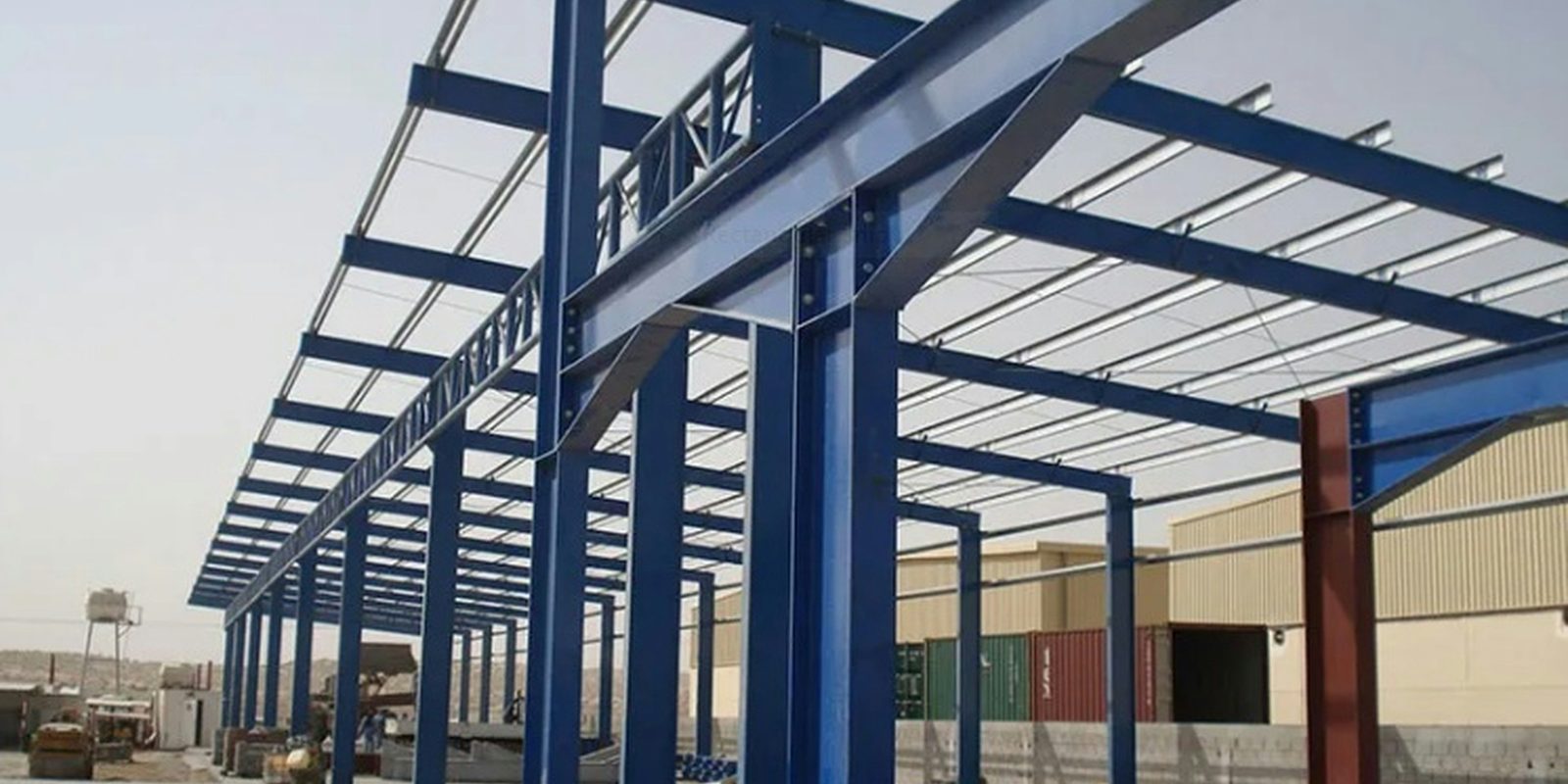
What AI does in construction today
The five uses below work on documents and data a project already produces. The table sums them up, and the sections after it give the sources.
| Job | What the software does | What it needs | What to check |
|---|---|---|---|
| Estimating and takeoff | Finds and counts every symbol on a drawing sheet that matches one you mark | Clean drawing sheets and one marked example of each symbol | Symbols with text inside, odd rotations or lines crossing them |
| Scheduling | Imports a schedule and tests other ways to sequence the same work | A schedule in Primavera P6 or Microsoft Project, plus crew and equipment data for resource runs | The durations and crew sizes the tool starts from |
| Safety monitoring | Alerts a machine operator when a camera sees a person in the hazard zone | Cameras with a clear view and enough light, and a written monitoring policy where the law asks for one | People crouching or lying down, and low light, snow, rain or fog |
| RFIs and submittals | Drafts RFI text, searches project documents for answers and drafts the submittal log | The current drawings, specifications and addenda in one place | Every draft, before it goes to the designer |
| Equipment maintenance | Pulls hours, location, fuel use and fault codes from each machine maker’s data feed | Telematics on each machine and access to each maker’s feed | Which fault codes need a mechanic, and which parts to order |
Estimating and quantity takeoff from drawings
A quantity takeoff is the count and measurement of the materials shown on a set of drawings, and every estimate starts from one. Autodesk’s help page for symbol detection in its takeoff software says the feature “will automatically locate all symbols on a 2D sheet that resemble one of the symbols you specify on the sheet.” The same page lists its limits. The feature does not detect text, it finds symbols only when they are rotated in 90-degree steps, and lines behind or through a symbol “can cause unexpected or incomplete results.” The page tells the estimator to review each detected instance and deselect the wrong ones.
Scheduling
Scheduling software with AI tests other sequences for the same work. ALICE Technologies says its software can start from a schedule built in Oracle Primavera P6 or Microsoft Project, and that it “simulates millions of possible scheduling paths per scenario.” The results appear on a time and cost graph, and the team selects the option that suits its goal. A resource optimization run uses crew and equipment data as well.
Safety monitoring with cameras
Computer vision is software that finds objects, such as people, in camera images. Caterpillar describes Cat Detect People Detection as “an intelligent vision camera system that can alert an operator when someone enters within a machine’s hazard zone.” Caterpillar also says the system may not detect people who are crouching or lying down, during fast swings, or when low light, snow, rain or fog impairs the cameras. It presents the system as a complement to other safety systems.
Ontario’s guide to the Employment Standards Act says electronic monitoring “includes all forms of employee and assignment employee monitoring that is done electronically.” An employer with 25 or more employees in Ontario on January 1 must have a written policy on it before March 1 of that year. The policy describes how and in what circumstances the employer monitors employees, and what it may use the information for.
Document control for RFIs and submittals
A request for information (RFI) is a written question from the contractor to the designer about the drawings or specifications. A submittal is a package the contractor sends for the designer’s review before the work goes ahead, such as shop drawings, product data sheets, test reports and certificates. Procore’s October 2025 announcement describes an RFI Creation Agent that “instantly generates RFI content and searches project documents for answers.” Autodesk says its AutoSpecs tool identifies the submittals a project specification calls for, produces a draft submittal log, and compares the specification with past projects to suggest submittals that may be missing.
Equipment maintenance
Telematics is the data a machine reports over a cellular or satellite link, such as its hours, location, fuel use and fault codes. A contractor with machines from several makers can pull that data into one system through ISO 15143-3. The Association of Equipment Manufacturers says the standard defines common status and health data for earth-moving machines, sent over the internet to fleet software. Volvo CE lists the essential fields of its version of that feed as “location, hours, utilization, fuel use, ISO standard fault codes.” Its own example is an industrial contractor that wants fault codes and other diagnostic data “to anticipate downtime.” For how a maintenance model uses machine data, see predictive maintenance.
What AI needs on a project, and where it falls short
Each use in the table depends on a few things the project has to supply:
- Current documents in one place. Drawings, specifications and addenda (changes issued during bidding) from the latest revision. A takeoff or RFI drafted from a superseded sheet carries the old numbers.
- A realistic schedule. Durations and crew sizes that match how the trades build.
- Access to machine data. A telematics subscription and a data feed from each machine maker.
- A named approver. One person checks every takeoff, RFI and submittal before it leaves. Human in the loop explains how that approval step works.
The vendors publish their own limits. Autodesk tells estimators to review every detected symbol, and Caterpillar says its people detection can miss a person in low light or bad weather.
Which construction paperwork slows you down
Tell Derik which drawings, schedules or submittals your team handles by hand. He reads every enquiry and usually replies within one business day.
Start a conversationAI in construction in Canada
In Statistics Canada’s survey for the second quarter of 2026, 9.2% of construction businesses reported using AI to produce goods or deliver services over the previous 12 months, against 19.2% of all businesses. Construction was among the three industries least likely to use AI.
The National Research Council of Canada (NRC) runs the Construction Sector Digitalization and Productivity Challenge program from 2023 to 2029. It looks for collaborators in areas such as e-permitting, virtual inspections and modular construction, “including the use of artificial intelligence.” In July 2026, Innovative Solutions Canada opened a challenge sponsored by the NRC for AI that checks drawings and building models against Parts 3 and 9 of the National Building Code. It listed up to $500,000 per grant over up to 18 months, for an estimated two grants, and asked for “traceability and auditability of AI-generated compliance checks with reference to applicable code provisions.”
Building information modelling (BIM) is a shared 3D model that carries data about each part of a building or structure. The Société québécoise des infrastructures reported on August 5, 2025 on the Quebec government’s BIM roadmap. Among the roadmap’s eight partner public owners, projects in progress or completed with BIM rose from 77 to 265 between April 1, 2021 and March 31, 2025.
What it means for manufacturers and distributors that supply construction
For a steel fabricator, a precast plant or an HVAC distributor, each construction job starts with office work, and the construction uses above have a counterpart there. In the same Statistics Canada survey, 7.9% of wholesale trade businesses used AI.
Quotes from drawings and specifications
When a contractor sends drawings and specification sections for pricing, the takeoff methods above apply to the items you supply. A system can read the sheets, count and measure your items, match them to your part numbers and price them from your own costs. Text extraction reads scanned drawings and PDF specifications, and an AI agent can draft the quote in your ERP for an estimator to check.
Delivery dates on the contractor’s schedule
A contractor’s schedule can carry the supplier’s dates. In an NRC tender specification dated April 16, 2026 and posted on CanadaBuys, the detailed project schedule had to show shop drawing submittals. It also had to show “supplied equipment with long delivery times” and “required by dates for engineered equipment.” The same document asks for timely delivery “to avoid stockpiling in shared spaces having limited capacity.” An AI system can read each schedule update, compare the dates with your production schedule and shipping plan, and flag a conflict for your planner. Warehouse AI covers the staging side.
Submittal paperwork
The same specification defines shop drawings as “drawings, diagrams, illustrations, schedules, performance charts, brochures and other data” that show details of the work, and each submission names the subcontractor, supplier and manufacturer. Test reports had to cover testing “within three (3) years of date of Contract award,” and certificates had to be on the manufacturer’s letterhead, “dated after award of Contract complete with project name.” The work waits on the review: “Do not proceed with Work affected by submittal until review is complete.” An AI system can assemble a package from your data sheets, test reports and certificates, and check each item against the specification before a person signs it.
For a specification like the NRC one above, confirm that each product matches the section it answers and that each test report falls inside the date window. Confirm that each certificate carries the project name and a date after contract award.
How ThriveAI helps
ThriveAI is an AI engineering company in Ottawa that builds private AI systems for manufacturers and distributors in Ontario and Quebec, on their own data. A plant that fabricates for construction projects, or a distributor that supplies them, runs its office on quotes, orders, documents and the ERP like any other manufacturer or distributor.
ThriveAI brings what your ERP, email, drawings and spreadsheets hold into one database that belongs to your company. Your team asks it questions in plain language, and every answer shows where it came from. It also drafts routine work, such as order entries, purchase orders and quotes, for someone on your team to approve. Anything going to a customer or a supplier waits as a draft until someone on your team sends it.
ThriveAI’s systems read your ERP and your other software as they are, including older versions installed on your own server. The platform ThriveAI builds on is designed to keep each client’s data on its own server in Canada. You choose the AI model that reads it: one on that server, or a hosted model under a written agreement that the provider keeps nothing after answering. A hosted model may process requests outside Canada, so the contract names the model and its service tier. Derik Lawlis, the founder, leads every project and stays close to the build, and working sessions run on site with your team, in French or English. For more, see private AI for business and About ThriveAI.