AI for logistics: what it does for a company that ships its own goods
AI for logistics is software that plans delivery routes and truck loads, compares freight quotes, watches shipments for delays and drafts the paperwork for a border crossing, working from your orders, rates and carrier data. For a smaller manufacturer or distributor that ships its own goods, the software prepares each of these for a person to approve, and at the border the importer stays legally responsible for what is declared. This guide covers each job in turn and the points where a person still has to sign.

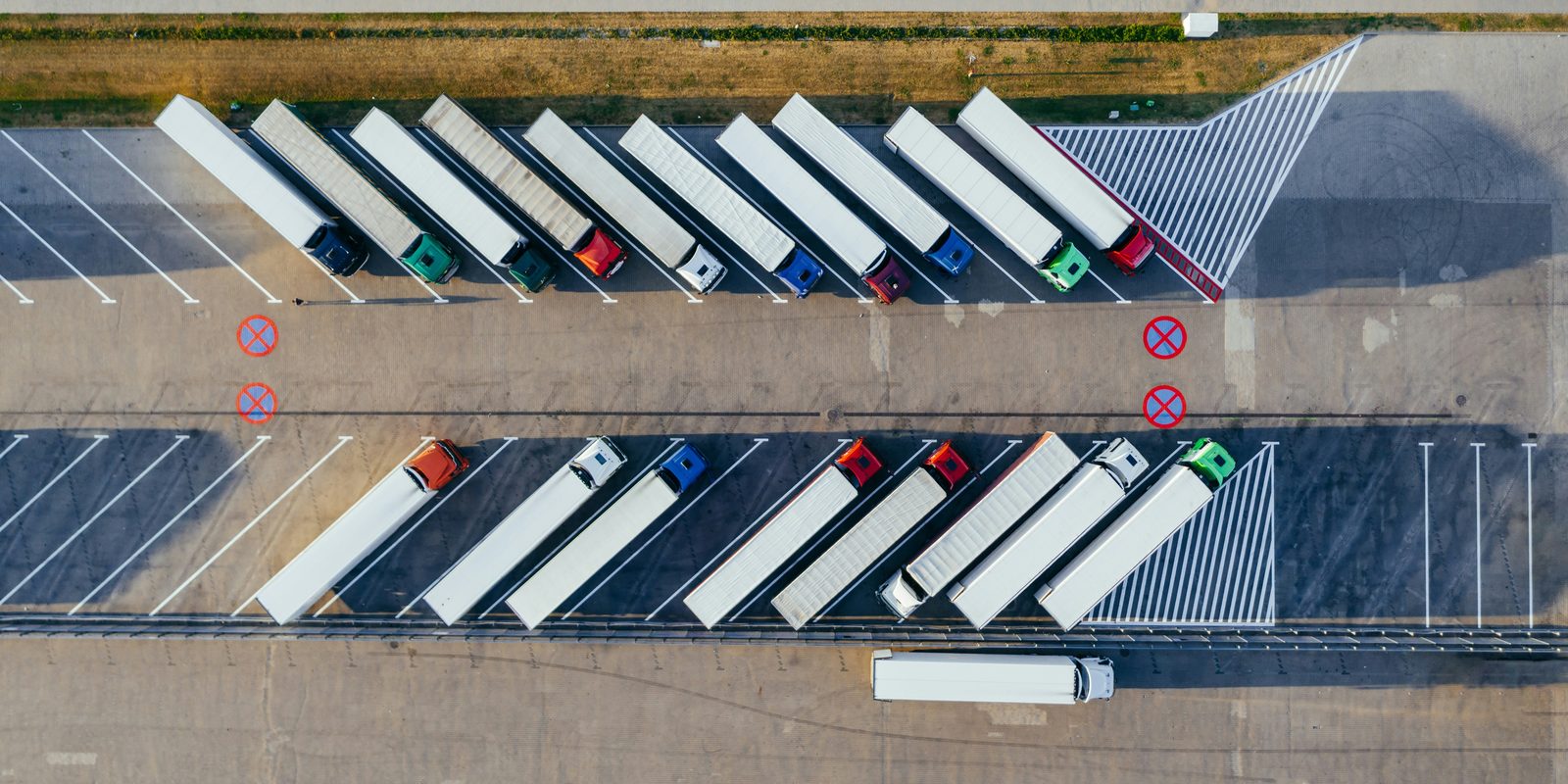
What AI does in logistics
For a company that ships its own goods, logistics covers the freight going out to customers and coming in from suppliers, on your own trucks or with a carrier. Two terms come up throughout. LTL, or less-than-truckload, is freight that shares a trailer with other shippers’ goods, and a truckload fills a trailer for one shipper.
Route planning
Route planning decides which truck visits which customers, in what order and at what times. Google’s OR-Tools documentation says these problems “are inherently intractable: the length of time it takes to solve them grows exponentially with the size of the problem,” so the solver “sometimes returns solutions that are good, but not optimal.” Google’s Route Optimization API takes delivery time windows, vehicle capacity and driver work hours, and returns “The exact order of pickups and deliveries for each vehicle” with arrival and departure times. A dispatcher still checks the plan against what the data misses, such as a receiving dock that closes early on Fridays.
Load planning
Load planning decides which orders go on which truck, and where, so the load stays within weight and height limits and comes off in stop order. It is a version of the bin packing problem, which Google describes as a way to “find the fewest that will hold all the items.” Dynamics 365 Transportation management builds loads against the maximum height and weight set in a load template. It needs the weight and size of every item and pallet, so gaps in the item records show up here first.
Freight quotes and carrier selection
For an LTL or truckload move, a shipper asks several carriers or a marketplace for rates and picks on price, transit time and service. Microsoft says Transportation management can “identify the fastest route or the least expensive rate for a shipment,” and Freightcom, a shipping platform, says it offers “real-time rates from our partner LTL carriers” and lets you choose the carrier.
AI adds two things. It reads quotes that arrive by email or PDF into one comparison, and it checks each carrier invoice against the quote and the bill of lading, where extra charges such as a liftgate or waiting time appear. AI invoice processing covers matching invoices, and AI in procurement covers comparing supplier quotes. The shipper still books the carrier.
Tracking and exception alerts
Tracking tells you where a shipment is, and an exception alert tells you when it will miss its date. Carriers can report status through EDI, electronic data interchange, the standard message formats companies exchange. X12’s 214 message lets a carrier give shippers “the status of shipments in terms of dates, times, locations, route, identifying numbers, and conveyance.” Visibility services such as Descartes offer “Real-time shipment tracking with proactive alerts & risk monitoring.” For a smaller shipper the useful part is the alert: the software compares each status with the promised date and drafts the note to the customer, and a person decides what to promise next.
Dock scheduling
Dock scheduling books a time slot for each truck at your shipping and receiving doors. In Dynamics 365, driver check-in against an appointment shows “whether carriers are late when checking in and/or out,” and Microsoft suggests using those statuses to “Identify trends in the timeliness of each carrier.” Opendock, a scheduling vendor, describes “a self-service portal for carriers, reducing manual coordination and missed appointments.” The same appointments tell the warehouse how many people to put on the dock; warehouse AI covers that side.
Customs paperwork for Canada and US trade
For goods coming into Canada, the CBSA’s guide for importers has you find the tariff classification and value for duty of the goods and register in CARM, the CBSA Assessment and Revenue Management system. CARM became the official system for accounting for imported goods and paying duties on October 21, 2024, and since May 20, 2025 importers who want goods released before paying duties must post their own financial security, according to Customs Notice 24-27. A licensed customs broker can do the accounting for you, but the CBSA says “the importer is ultimately responsible for the accounting documentation, payment of duties and taxes, and subsequent corrections.”
For goods that qualify under CUSMA, the Canada-United States-Mexico Agreement, the CBSA says a certification of origin “has no prescribed format” and “may be provided on an invoice or any other document.” CBP’s fact sheet lists nine minimum data elements, including the classification of the good to the 6-digit level and the origin criterion claimed. At the border, the carrier sends the manifest: no later than one hour before arrival for the CBSA, under Memorandum D3-4-2, and one hour before arrival for CBP, or 30 minutes for shipments that qualify under CBP’s CTPAT program.
Duty rates also move. Since September 8, 2026, certain goods originating in the United States carry a Canadian surtax of 15%, 25% or 50% of the value for duty under the United States Surtax Order (2026), as Customs Notice 26-23 explains. Software can build the commercial invoice from the order, suggest a classification from the item description and past entries, check that a certification has every data element, and flag goods on the surtax schedules. A broker or a trained person on your team confirms each entry.
Logistics AI at a glance
| Job | What the software drafts | Records it reads | Who decides |
|---|---|---|---|
| Route planning | Stop order and times for each truck | Orders, addresses, delivery windows, truck capacity, driver hours | Dispatcher |
| Load planning | Which orders go on which truck, and where | Item and pallet weights and sizes | Shipping lead |
| Freight quotes | Carrier rates and transit times side by side | Rate sheets, emailed quotes, past freight invoices | Shipper, who books the carrier |
| Freight invoice check | Charges that differ from the quote | Carrier invoices, quotes, bills of lading | Accounts payable |
| Tracking | Late-shipment alerts and a draft note to the customer | Carrier status messages, promised dates | Customer service |
| Dock scheduling | Time slots for inbound and outbound trucks | Appointments, dock doors, staff on shift | Receiving or shipping lead |
| Customs | Commercial invoice, suggested classification, certification check | Item descriptions, past classifications, origin records | Licensed broker or trained staff |
Pick the shipping job to start with
Tell Derik which systems your business runs on and which job slows everyone down. He will tell you what it takes to fix it.
Start a conversationWhere AI still needs a person
- Dangerous goods. Under section 6.1 of the Transportation of Dangerous Goods Regulations, a person who handles, offers for transport or transports dangerous goods must be adequately trained and hold a training certificate, or work in the presence and under the direct supervision of someone who is. For road transport the certificate expires 36 months after it is issued. Software can flag regulated items on an order, and the trained person signs.
- Claims. Ontario’s Carriage of Goods regulation limits a carrier’s liability for general freight to the lesser of the goods’ value and $4.41 per kilogram of the shipment, and where the shipper declares a value on the contract of carriage, liability cannot exceed that value. Written notice of loss or damage must be given to the carrier within 60 days after delivery. A person decides whether to declare a value and whether to claim.
- Customs declarations. The importer answers for classification, origin and value, as the CBSA sets out above.
- Promises to customers. A new delivery date or a partial shipment changes what a customer was told, so a person approves it. Human in the loop covers how to set up that approval.
Ask who signs each document. Software can draft the commercial invoice and the certification of origin, and the importer still answers to the CBSA for classification, origin and value.
What data it needs
Most of these jobs read the same records:
- Orders. Ship-to addresses, promised dates and delivery windows.
- Items. Weights, dimensions and pallet configurations.
- Freight. Rate sheets, carrier contracts and past freight invoices.
- Status. Status messages or tracking links from each carrier.
- Trade data. For cross-border goods, the classification, origin and value of each item, and the certifications on file.
Most of this sits in the ERP, in email and in carrier portals. AI for ERP covers reading the ERP as it is, legacy ERP automation covers older systems with no API, and text extraction from images covers reading quotes and bills of lading that arrive as PDFs. Ship dates depend on stock and on the plant, which AI for inventory management and production scheduling software with AI cover.
How to start
Two jobs start from data you already hold: comparing freight quotes, and drafting the commercial invoice for cross-border orders.
- Pick one lane or one document, and time how long it takes today.
- Collect three months of examples, such as quotes, freight invoices and bills of lading.
- Test on past examples first. Run the software on them before it touches a live shipment. AI evals explains how.
- Keep a named person approving every booking, customer message and declaration.
An agent that books carriers on its own needs the guardrails in AI agents for business, and private AI for business covers where your rates and customer data sit while a model reads them. AI strategy covers picking the first project, AI implementation covers taking it to daily use, and cost of AI breaks down the spending. Deliveries to job sites, farms and mines bring their own limits; see AI in construction, AI in agriculture and AI in mining, or browse all guides.
How ThriveAI helps
ThriveAI is an AI engineering company in Ottawa that builds private AI systems for manufacturers and distributors in Ontario and Quebec, on their own data. It brings what your ERP, email, drawings and spreadsheets hold into one database that belongs to your company. Every answer shows where it came from, and it drafts routine work, such as order entries and purchase orders, for someone on your team to approve. Anything going to a customer or a supplier waits as a draft until someone on your team sends it.
ThriveAI’s systems read your ERP as it is, including older versions installed on your own server, and every connection only reads data. The platform is designed to keep each client’s data on its own server in Canada. You choose a model on that server or a hosted model under a written zero data retention agreement, and a hosted model may process requests outside Canada. Derik Lawlis, the founder, leads every project and stays close to the build. About ThriveAI covers the company.