Product configurator software: what a manufacturer’s product configurator returns
A product configurator lets a customer or a salesperson choose options and get back a product that can be built. On a web shop, it returns a picture and a price. In a plant that builds to order, it has to return a price, a bill of materials, a model and a drawing from engineering rules. This guide sorts the kinds of product configurator software by what they return. It then shows how to build the rules from the Excel builder you already use.

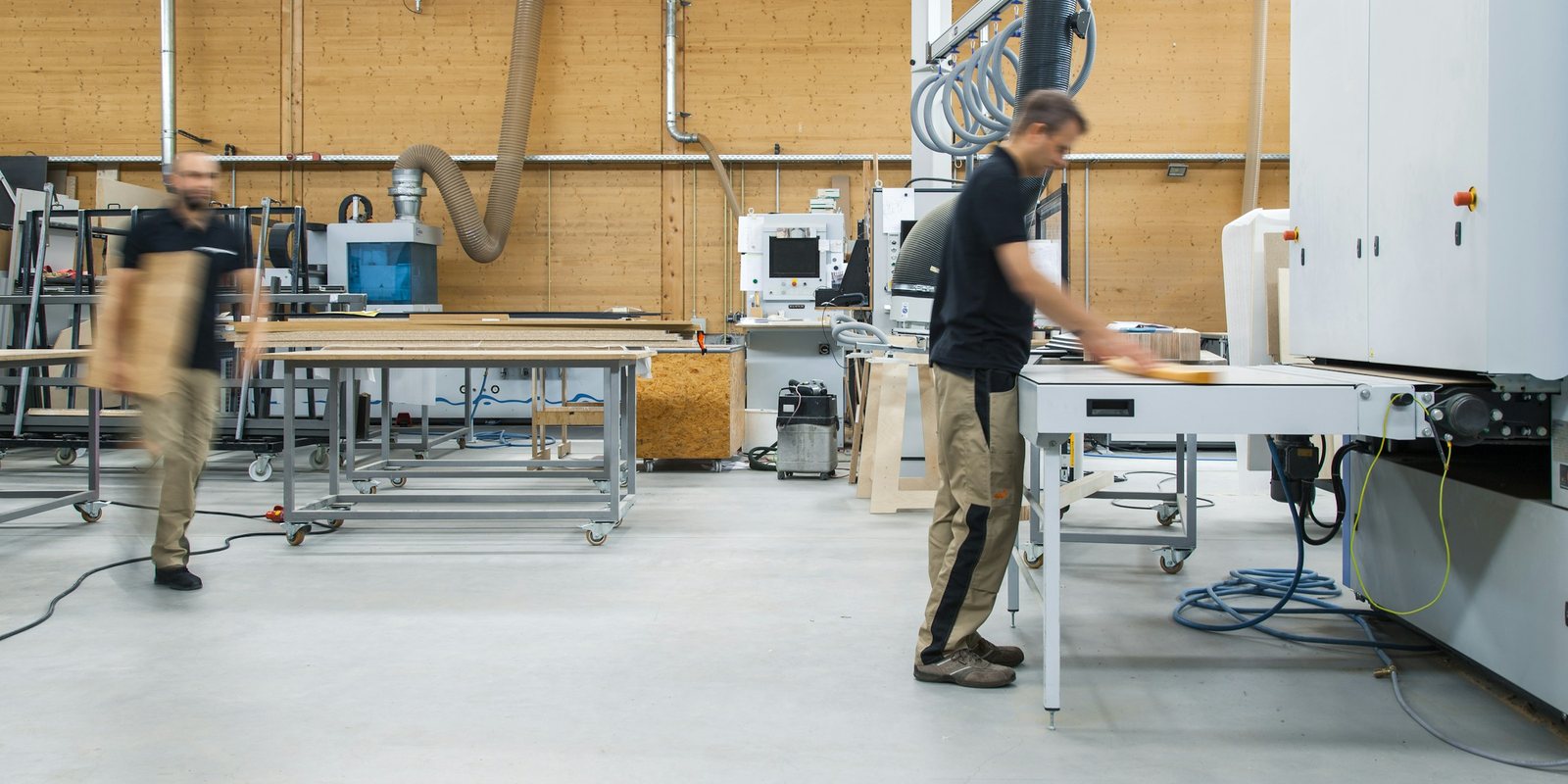
What a product configurator is
Product configuration means choosing a valid combination of options for a product that comes in many variants. A product configurator is the software that guides that choice. It offers only the options that work together, fills in what follows from them and refuses combinations the product cannot support.
Two very different kinds of software share the name. One sells consumer products online and shows a picture of what you picked. The other sits in a plant that builds to order and turns the options into something the shop can build. Most of the confusion in this category comes from mixing the two.
| Output | Web-shop configurator | Manufacturer’s configurator |
|---|---|---|
| What the buyer sees | A picture or a 3D view of the choice | A quote with a price, a lead time and a drawing |
| Price | A list price plus option prices | Built from cost: material, hours, rates and markup |
| Bill of materials | Not needed | Every part and quantity, with your own part numbers |
| Rules | Which colours and add-ons combine | Sizes, loads, clearances and standard parts |
| Model and drawing | A rendering for the product page | A 3D model and the drawing that goes out with the quote |
| Where the order goes | The shop’s cart and payment | The ERP, as an order for a configured item |
What a manufacturer’s configurator returns
A configurator earns its place in a plant when its output is what both the shop and the customer need. That means these five things, all produced from the same set of rules:
- A price built from your own costs, with the effect of each option visible, as costing software for manufacturing describes.
- A bill of materials with your part numbers, quantities and standard parts.
- A routing or an hours estimate for the shop, so the lead time reflects the work.
- A 3D model and the drawing that goes out with the quote, usually a general arrangement drawing.
- A configuration record with the options chosen, the rule version and the person who approved it, ready for the ERP.
When a configurator stops at the price, someone still builds the bill and the drawing by hand after the sale.
Sales configurator, visual configurator and CPQ
Vendors use several names for overlapping products. These are the distinctions that matter when you compare them:
- Sales configurator. Guided selling for a salesperson or a dealer, with questions, valid options and a price. Its rules describe what can be sold.
- Visual configurator. A 2D, 3D or augmented reality view that updates as the options change. Threekit’s visual configurator, for example, shows products in 3D and augmented reality.
- CPQ. Configure, price, quote: a configurator plus pricing and the quote document. CPQ for manufacturing covers the version for configured products.
- Design automation. Rules that drive a CAD system to produce models and drawings. DriveWorks, for example, generates SOLIDWORKS models, drawings and bills of materials from rules.
Many products combine several of these. Epicor CPQ describes 2D, 3D and augmented reality configuration with generated CAD drawings and bills of materials. Elfsquad sells a configurator for complex products, with integrations to Inventor, SOLIDWORKS, Fusion, Creo and other CAD systems. The names matter less than the outputs. Ask each vendor to produce the price, the bill and the drawing for one of your own past orders.
Where the rules come from: your Excel builder
If you build to order, you may already have a configurator. It is often an Excel workbook, called the builder, that one person maintains and the sales engineer fills in for every quote. It holds the option lists, the lookup tables and the formula chains that turn inputs into sizes and prices. It also holds the exceptions added after a customer complaint.
That workbook is the right starting point for product configurator software, because its rules have been tested on real orders. Rewriting them from memory in a vendor’s rule editor means testing every one of them again on past orders.
The check in the middle decides whether anyone uses the result. If the new rules miss some past orders, the sales engineer will keep checking every quote against the workbook. Rebuilding a quoting estate from raw tables describes how that reconciliation is done formula by formula.
The rules a configurator needs
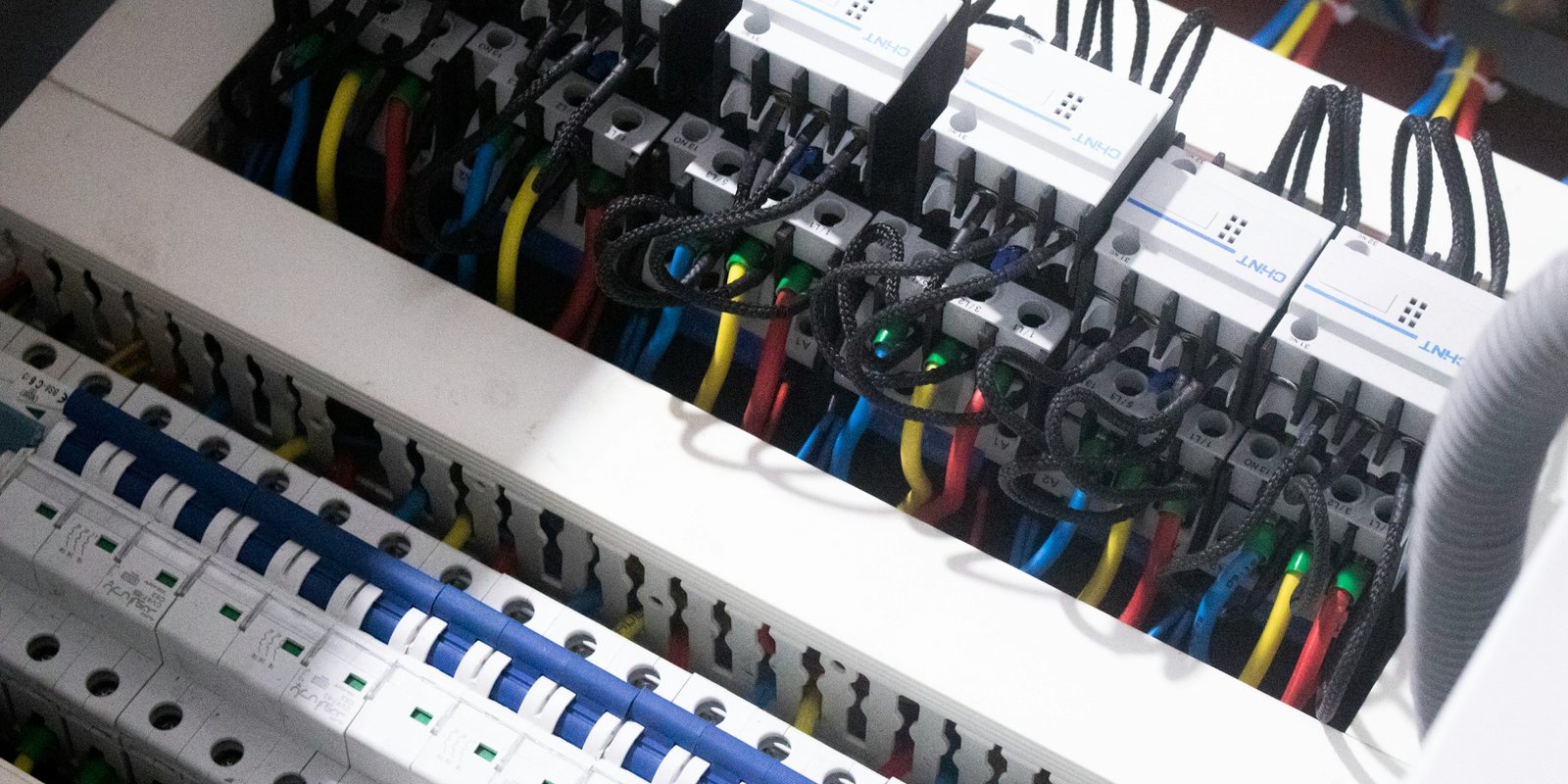
Most rules in a builder fall into a handful of types. Naming them helps when you read a workbook, and when you test a vendor’s rule editor.
| Rule type | What it does | Example for an electrical enclosure |
|---|---|---|
| Option list | Limits a choice to valid values | Enclosure heights in your standard sizes only |
| Constraint | Forbids a combination | No wall mounting above a set weight |
| Derived value | Computes one value from others | The number of mounting rails from the panel height |
| Lookup | Reads a value from a table | The breaker size for a given load, from your engineering table |
| Part selection | Picks a standard part | The door seal and hinge kit for the chosen size |
| Price rule | Turns cost into price | A markup by option family, with a floor price |
| Refusal | Sends the order to an engineer | Any load above the table’s range, with the reason named |
The last type is the one most workbooks lack. A builder that extrapolates past its tables will price an order it should have refused. A configurator should stop at the edge of its rules and say why, so the order goes to an engineer as engineer to order work.
Testing a configurator before anyone quotes from it
Build the test set before you build the configurator. Take thirty past orders across the range of the product family, with the price that went out, the bill of materials and the drawing. Include a few orders the workbook got wrong and someone corrected by hand.
Run every order through the new rules and compare line by line. A difference usually means a rule was written wrong, a cost changed since the order, or a manual correction never reached the workbook. Each one gets fixed or written down before the configurator goes live.
Keep the test set after launch. When someone changes a rule, run it again, so a fix for one option does not quietly break another.
Who owns the rules after launch
A configurator is only as current as its rules. Decide before launch who may change a rule, who checks the change and where the history is kept. In most plants that is engineering, with sales asking for changes rather than making them.
Give every rule a version, and record which version priced each quote. When a customer questions a price a year later, you can show the rule that produced it. When a cost or a standard part changes, the rule changes once, and every quote after it uses the new value.
What to ask before you buy product configurator software
- Can it read our existing builder, or do we rewrite every rule in your editor?
- Who writes and maintains the rules after launch: our engineers, your consultants or both?
- Where does the price come from: a price list, or our own costs?
- Does it produce our bill of materials with our part numbers?
- Which CAD system does it drive, and does it produce our drawing or a rendering?
- How does a configured order reach our ERP?
- What happens when an order falls outside the rules?
- Can it reproduce thirty of our past orders before we sign?
Ask for the answer to the last question on your own orders, during the evaluation rather than after it.
Where the data sits
A configurator’s rules and costs are among the most sensitive records a plant keeps. They show what you charge, what each option costs you and how your product is engineered.
ThriveAI builds the configurator as a module on a workspace that holds your data. Your data is designed to stay at rest on your own server in Canada. Inference runs on that same server with an open-weight model, or through a frontier model under a written zero-data-retention control. The contract names the model tier, because zero retention is not available for every tier. The AI CPQ offer describes the first four weeks.