AI for engineering teams in manufacturing: six jobs it drafts and what the engineer checks
AI for engineering drafts the routine work between an RFQ and a quote, and an engineer approves each draft.

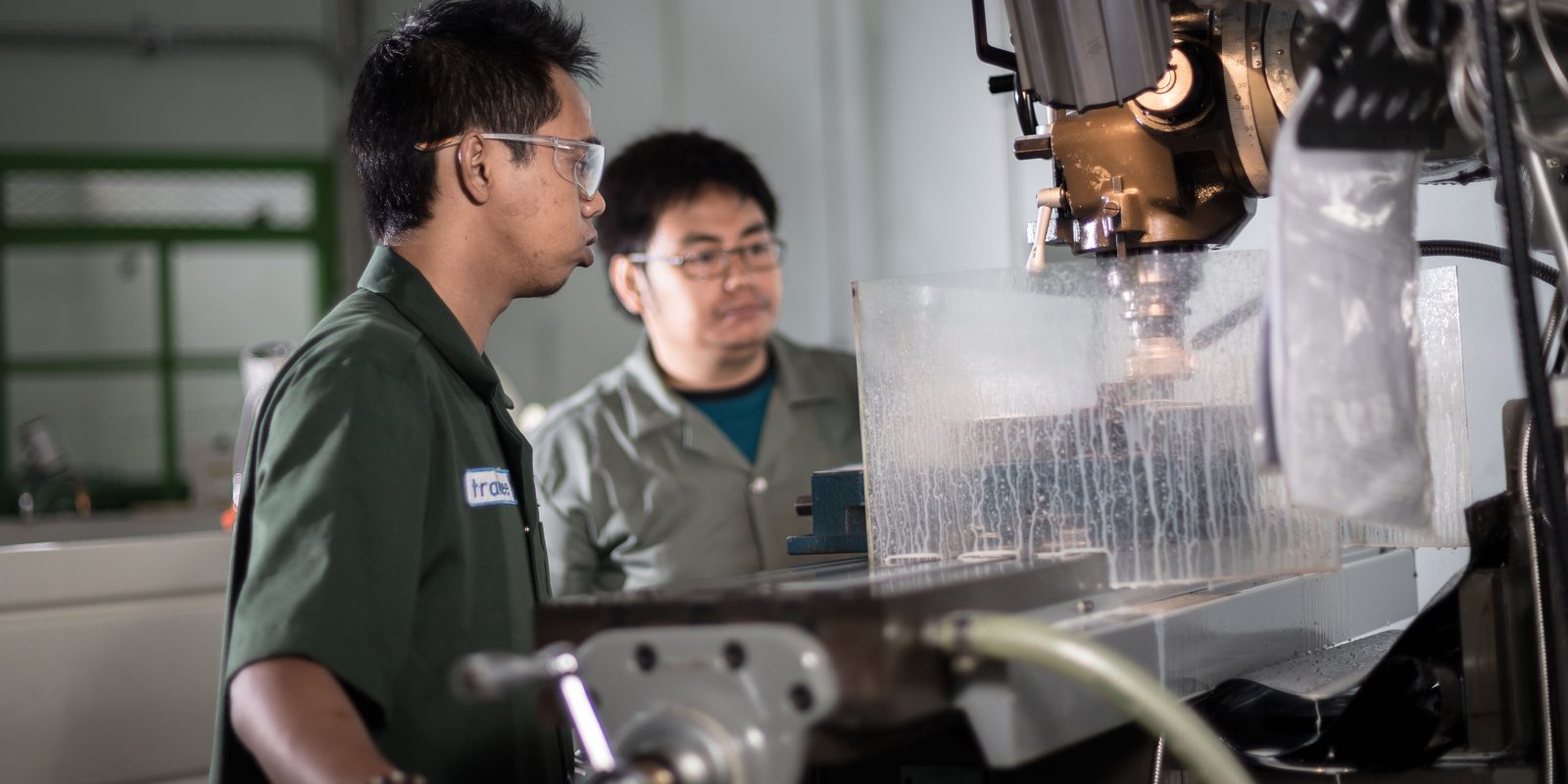
What AI for engineering means at a manufacturer
Search results for AI for engineering mix several subjects. Some pages cover AI engineering, the career of building AI systems. Others list design tools for a single engineer, such as generative design. This guide covers the engineering team inside a plant that builds configured or engineered products to order.
A configured product is a design the plant has built before, sold again in a new size or with new options. For each order, engineers read the request and check it against the product’s rules. They then produce the bill of materials (BOM), the drawing, and the documents. The engineer-to-order guide covers where those hours go before an order exists.
Each part of this work suits a different tool. The split below runs through the rest of this guide.
Numbers come from rules, which give the same answer every time and show their working. The language model handles the reading and the writing around them.
Six applications of AI in engineering at a plant
The table lists each job with what the AI reads, what it drafts, and what the engineer checks. The sections after it take the jobs one at a time.
| Job | What the AI reads | What it drafts | What the engineer checks |
|---|---|---|---|
| Read specs and RFQ packages | Spec sections, schedules, drawings, addenda, and emails | A list of requirements, each with its page, plus the conflicts between documents | Each conflict, and a sample of requirements against their pages |
| Check the configuration | The options chosen and the plant’s rules | A pass or a fail for every rule, with the number behind it | Each failure, and the fix chosen |
| Build the BOM | The configuration, the rules, and the item master in the ERP | A bill of materials with item numbers, quantities, and lengths | Non-standard lines and new items |
| Generate the drawing | The configured values and the CAD template | Nothing: the CAD system draws, and the AI compares the drawing with the requirements | The interfaces and clearances the customer will check |
| Write the documentation | The configuration, the BOM, the spec, and the plant’s templates | Data sheets, a clause-by-clause compliance statement, and manual sections | Every exception, before signing |
| Answer application questions | Past quotes, drawings, test reports, and emails | An answer that lists the past jobs it used | Whether those jobs match the new conditions |
Reading customer specs and RFQ packages
An RFQ for engineered equipment can arrive as a package: a spec section, equipment schedules, drawings, and addenda. The requirements are spread across all of them. The guide to what an RFQ contains covers the documents a request for quote can hold.
A language model reads the whole package and lists the requirements, each with the page it came from. Anthropic’s PDF documentation says Claude reads the text, pictures, charts, and tables in a PDF. It processes each page as extracted text and as an image.
For text, the model can point to its source. Anthropic’s citations feature returns the page range of each passage it quotes from a PDF. It cannot cite images, so a dimension read off a drawing needs a person to check it against the drawing.
The most useful output is the list of conflicts. Two schedules may give different voltages, or the spec and a drawing may name different materials. The engineer settles each one with the customer before the quote goes out.
Checking a configuration against the rules
Every configured product has rules: size ranges, options that cannot go together, and calculations that size the parts. The product configurator guide covers how to write those rules down and test them. If yours live in an Excel builder, the Excel builder map lists its dropdowns, lookup tables, and formula chains without uploading the file.
Rules should run this check, not a language model. A rule returns the same answer every time and shows the number behind it. The model’s job comes earlier: mapping the customer’s words to the plant’s options.
When a configuration fails, the check names the rule and the value that broke it. The engineer chooses the fix, such as the next size up. An order that no rule covers goes to an engineer with the reason named.
Put your configuration rules to work on every RFQ
Send Derik the Excel builder your engineers configure from. He sends back a free map of its inputs, rules, and lookup tables, including the orders it cannot express.
Start a conversationBuilding the bill of materials
Once a configuration passes, the same rules produce the BOM: item numbers, quantities, and cut lengths. The BOM explosion tool shows how an indented BOM rolls up, and the BOM cost guide prices one.
AI works at the edges of the BOM. It matches the spec’s wording, such as a stainless drain pan, to an item in the ERP’s item master. When nothing matches, it drafts a new item record for a person to approve.
Quantities still come from the rules. A BOM line goes straight to purchasing and the shop floor, so its quantity has to come from a rule someone tested.
Generating the drawing
For a configured product, the CAD system draws the model and the drawing. A template model rebuilds from the configured values, and its drawing updates in the plant’s title block. The general arrangement drawing guide covers the drawing that goes out with a quote.
Prompt-to-part tools take another route. The AI CAD guide sorts what those tools produce, and text to CAD covers generators that turn a prompt into a model. None of them knows your rules, so none of them replaces the template.
AI still helps around the drawing. It compares the drawing’s dimensions and notes with the requirement list and flags each mismatch. It also drafts the notes and the transmittal for the engineer to check.
Writing the documentation
Engineered equipment ships with paperwork: data sheets, a compliance statement for the spec, manuals, and test reports. On construction projects these go through the submittal process, which the AI in construction guide covers from the supplier’s side.
Much of this text follows the plant’s templates, with new values for each job. A language model fills those templates from the configuration and the BOM. It drafts the compliance statement clause by clause, and each “comply” cites the rule or BOM line that meets the clause.
A clause marked “comply” in error commits the plant to something it did not design. The engineer reads every exception and signs the statement before it goes out.
Answering application questions from past projects
Sales engineers and customers ask application questions. Will this size handle that duty? What shipped on the last job like this one? The answers sit in past quotes, drawings, test reports, and emails.
Retrieval-augmented generation lets a model answer from those records and cite them. The answer lists the past jobs it used, with links, so the engineer can open each one.
The engineer’s check is about fit. A past job of the same size but a different duty can mislead, so the engineer compares the conditions before the answer goes out.
A worked example: one air-handling unit RFQ
A plant builds custom air-handling units for commercial buildings. An RFQ arrives for one unit, with a spec section, mechanical and electrical schedules, and architectural drawings. All names and numbers below are made up to show the method.
The schedule asks for 9,500 L/s of supply air at 500 Pa of external static pressure. The spec limits cooling coil face velocity to 2.5 m/s, and the unit must pass through a 2,440 by 2,440 mm door. The plant’s rules compute every number below, and the language model reads and drafts.
| Job | What came back for review | What the engineer checked |
|---|---|---|
| Read the RFQ package | 58 requirements, each with its page, and two conflicts. The electrical schedule says 460 V where the mechanical schedule says 575 V. The spec asks for a 304 stainless drain pan, and the schedule says galvanized. | Both conflicts, sent to the consulting engineer as questions, and a sample of requirements against their pages |
| Check the configuration | A coil face of 3.80 m² is needed. Size 30 gives 3.40 m/s and fails. Size 36 gives 3.91 m² and 2.43 m/s, and its largest section, 2,335 by 2,180 mm, clears the door by 105 and 260 mm. | The airflow, the limit, and the door size, against the documents they came from |
| Build the BOM | 15 lines from the rules, including an 18.5 kW motor for 14.67 kW at the fan shaft and 24 filters in two banks | The stainless drain pan and the motor voltage, both waiting on answers |
| Generate the drawing | The CAD system rebuilt the size 36 template. The AI compared the drawing’s dimensions with the requirements and found no mismatch. | Service clearances and duct connection sizes |
| Write the documentation | A compliance statement for 58 clauses: 55 comply, 2 questions, and 1 exception, a factory test without a witness. A unit data sheet filled from the BOM. | The exception and the two questions, before signing |
| Answer an application question | The sales engineer asked for the closest past units. The AI listed 3 of 8 past units within 15% of the airflow on the same cabinet size, with their drawings and test reports. | Whether those units ran at similar pressures and coil conditions |
Total fan pressure is the 500 Pa external static pressure plus the 550 Pa the plant allows for filters, coil, and casing. The fan rule multiplies 9.5 m³/s by that 1,050 Pa and divides by a fan efficiency of 0.68, which gives 14.67 kW. The motor rule adds 10% and takes the next size up, 18.5 kW. Each draft named its source, so each check started from the page, rule, or job it cited.
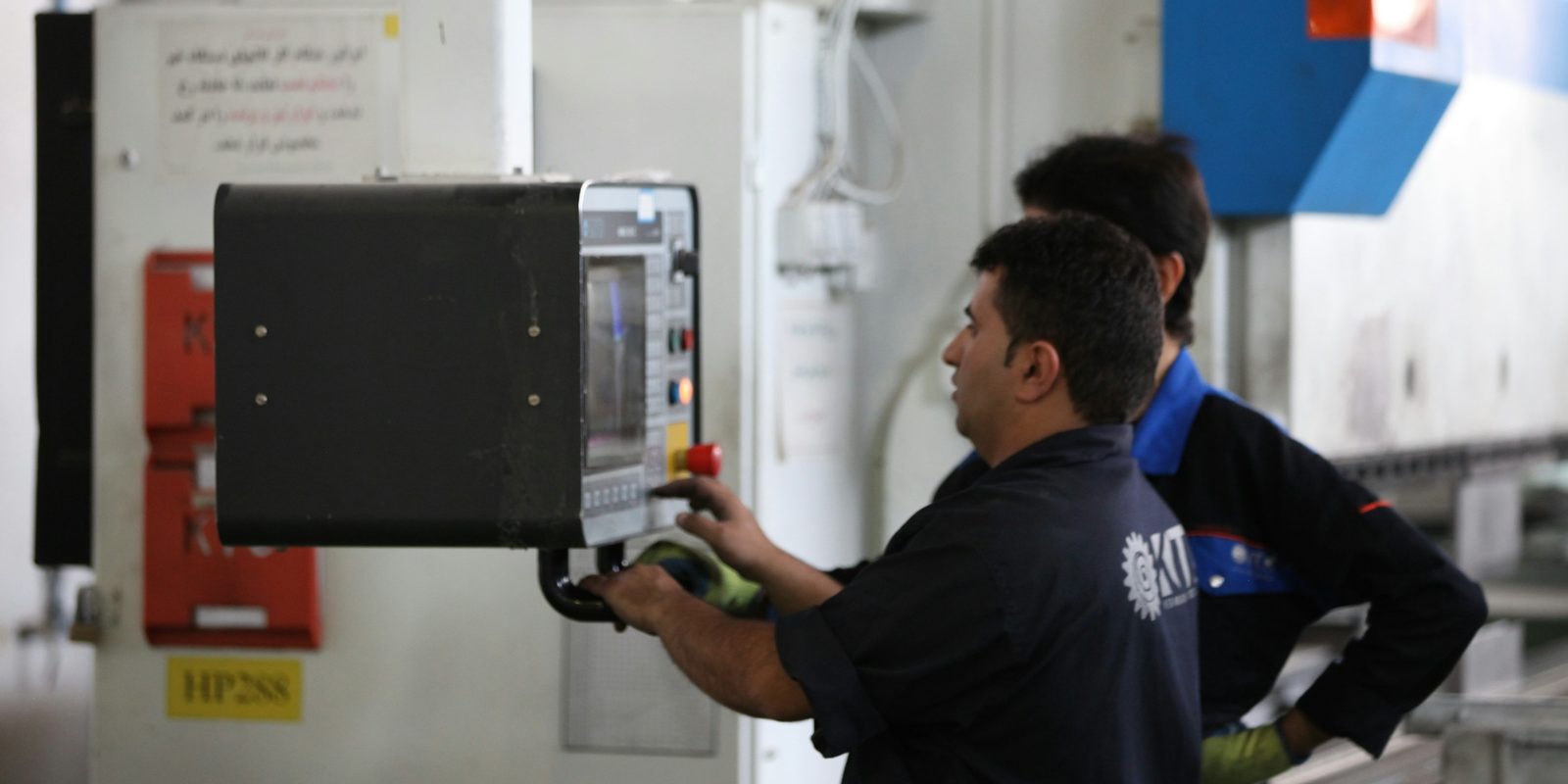
AI tools for mechanical engineers, and what they leave out
Here are the main kinds of AI tool sold to mechanical engineers. Each one works on the model or the document in front of one engineer.
| Kind of tool | What it does | Example |
|---|---|---|
| Generative design | Explores many design options that meet the performance, material, and manufacturing criteria an engineer sets | Autodesk generative design |
| Simulation prediction | Predicts how a new design behaves, in minutes, from past simulation results | Ansys SimAI, which its maker says typically needs 30 to 100 past simulation results to build an accurate model |
| Assistants inside CAD | Answer questions and run commands in the CAD software the engineer already uses | Covered in the AI CAD guide |
| Design review | Marks up drawings and models with feedback based on the company’s standards | CoLab AutoReview |
| General chat assistants | Explain, summarize, and draft from what the engineer pastes or uploads | ChatGPT and Claude |
None of these tools knows your plant’s configuration rules, item master, or past projects until someone connects them. The six jobs above run on those records, so connecting them comes before choosing a tool.
The engineer still signs: what Canadian regulators say
AI can draft engineering work, but responsibility stays with the engineer who approves it. In Ontario, Canada’s Job Bank notes that an unlicensed engineering graduate can do the work, but a licensed engineer must take responsibility and sign off.
Professional Engineers Ontario adopted a practice advisory from Engineers and Geoscientists BC for use as a guideline in Ontario. Version 1.0, dated November 22, 2024, states that engineers stay professionally responsible for work generated by or including AI output. It names hallucinations, output that looks plausible but turns out to be wrong, as one of the risks.
The advisory lists documented checks for AI tools. They include noting the make and version of the tool, running a range of test cases, and recording the inputs and outputs. For AI whose output changes over time, it says outputs may need validating with each use.
In Quebec, the Ordre des ingénieurs du Québec published six areas of vigilance for AI in engineering in October 2025. It says an engineer cannot escape responsibility by pointing out that AI made a decision or did a calculation. It recommends documenting decisions made with AI so they can be traced.
For an AI system in a plant, that guidance becomes four design choices:
- Every draft names its source: the page, the rule, or the past job.
- Every approval is logged with the person, the date, and the model version.
- A test set of past jobs runs again whenever the model or the rules change. AI evals covers how to build one.
- The approval screen shows each draft beside its source. Human in the loop covers how to design that step.
What to have in place first
Each job runs on records the plant already holds in some form. Check these before any AI work starts:
- Rules written down. If they sit in formulas, trace precedents shows every cell a formula reads, on every sheet.
- Past projects you can find. Quotes, drawings, BOMs, and test reports filed by job number. Tables locked in PDFs can come out with PDF to CSV.
- A clean item master. A drafted BOM line has to point at a real item number in the ERP.
- A CAD template a program can drive. The configured values have to reach the model through the CAD system’s automation interface.
- A test set. Ten or more past orders with the documents that went out, so each draft can be compared with an answer you already trust.
- A decision on where the data runs. Customer specs and drawings may fall under a confidentiality agreement. Private AI for business covers setups that keep them under your control.
How ThriveAI builds AI for your engineering team
ThriveAI starts where your engineering rules already live: the Excel builder your team configures from. Derik maps every input, lookup table, and formula chain in it as a free first step. The first stage covers one product family and runs four weeks. It turns those rules into a configurator that checks each configuration and prices it from your own costs. Your CAD system builds the 3D model and the quote drawing from your template. AI reads each request into options and drafts the text for review. An order the rules cannot cover goes to an engineer with the reason named. A named person approves every quote package before it goes out. The Excel builder to CPQ app offer describes the four weeks.