Industrial AI in a plant of 20 to 200 people
Industrial AI names two projects: one reads machine sensors, the other reads the records your plant already keeps.

What industrial AI means
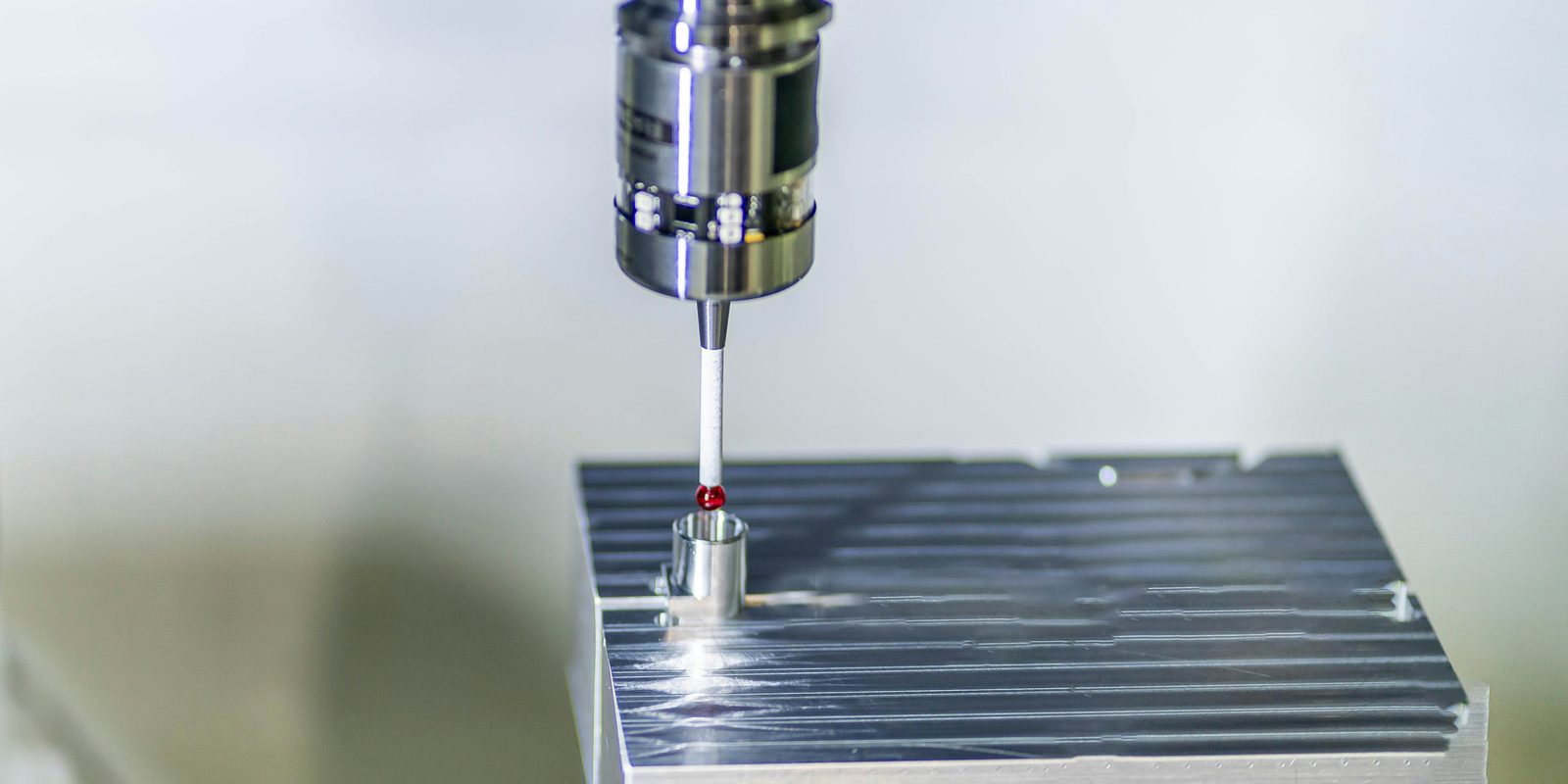
IBM describes industrial AI as artificial intelligence applied to real-world industrial operations, manufacturing systems, and physical infrastructure. IBM separates the term from enterprise AI because industrial AI touches physical operations under real-time and safety limits. IFS applies the term to industrial settings such as manufacturing, energy, aerospace, and construction. NVIDIA folds physical AI into the same term, along with simulation, robot fleets, and digital twins.
Those definitions assume a plant that already runs instrumented machines and a historian, the database that stores what the machines report. The definitions leave out the half of the term that needs no instrumentation. The same phrase covers software that reads the records a plant keeps anyway: past quotes, job times, invoices, purchase orders, price files, and drawings.
Two owners read the same definition and price two different projects. One owner prices hardware, with an integrator attached. The other prices software that reads data the company already owns. The next section sorts the uses along that line, so that you can tell which project a vendor page describes before you ask the price.
For the narrower robotics term inside this one, see physical AI.
Two kinds of industrial AI
The uses split into two groups, by what each use reads.
Uses that need a sensor network
Predictive maintenance reads vibration, temperature, and current from a machine over months. Vision inspection reads camera frames at a station under controlled lighting. In-process optimization reads a live line through the line’s control system. Robot cells, including collaborative robots (cobots), read their own position and the part in front of them. A digital twin, a software model kept in step with the equipment, reads all of the above.
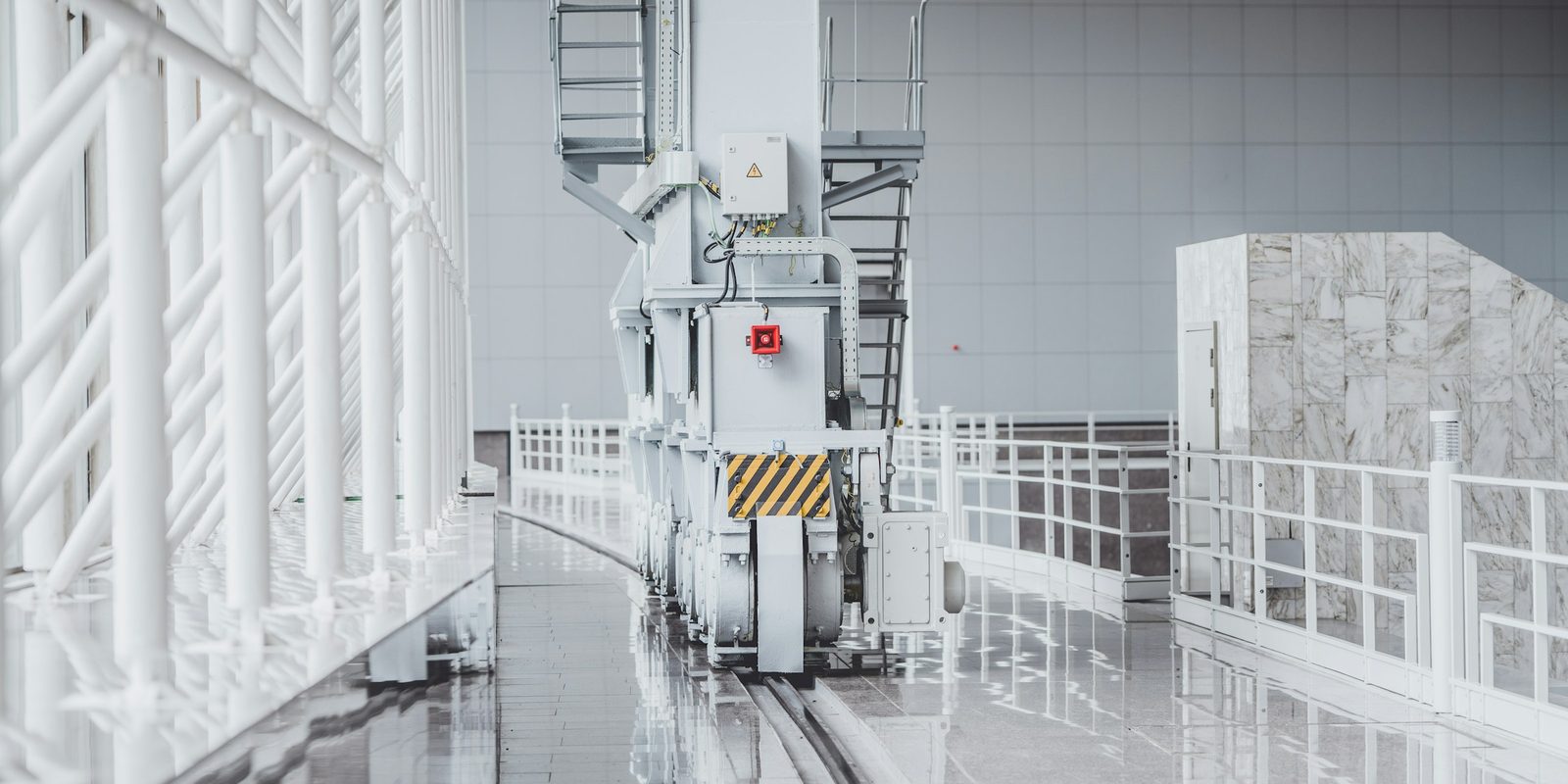
Each of these uses needs machines that report their own state, a place to keep that history, and a person who maintains both. That makes each one a capital project, with a hardware vendor and an integrator. Most vendor pages on industrial AI describe this kind of project, which is why readers arrive expecting robots.
ThriveAI builds no hardware. That rules out robots and robot cells, machine vision rigs, PLCs (the controllers that run machines), motion control, and autonomous vehicles. ThriveAI works on the second half of the term, and the rest of this page covers that half.
Uses that run on records the plant already keeps
Quoting, cost per part, promise dates, purchasing, order entry, and forecasting run on records that exist before the project starts. The inputs sit in the ERP, the mailbox, the drawing vault, the shared drive, and the spreadsheets. Nothing gets installed on a machine, and no line stops during the work.
The work reads those systems and reconciles them, so that a part number means the same thing in each system. The output is a draft, and a named person approves each draft before anything leaves the building.
| Use | What it reads | What it needs first | Who buys it at this size |
|---|---|---|---|
| Predictive maintenance | Machine signals over time | Sensors, a historian, and someone to keep both running | A plant with a maintenance department |
| Vision inspection | Camera frames at the station | A camera rig, lighting, and a labelled set of defects | A plant running one high-volume part |
| Process optimization | Live line data | Instrumented equipment and a control system | A continuous process, not a job shop |
| Quoting and costing | Past quotes, job times, and invoices | An ERP that exports, and time booked per job | A shop where one person prices everything |
| Purchasing and order entry | Supplier PDFs, customer orders, and price files | A mailbox, and a catalogue that somebody owns | A shop or a distributor that retypes documents |
| Forecasting | Sales history and open orders | Sales codes that somebody has reconciled | Anyone who buys against a forecast |
The top three rows start with a purchase order for hardware. The bottom three start with an export from a system that the plant already pays for. Only the bottom group costs little enough to test against your own numbers this quarter.
Find out which half applies to your plant
Tell Derik what your ERP holds and where quotes wait. He will tell you which desk to start with.
Start a conversationWhat a plant this size can run this year
Quoting comes first, because the queue shows from the front office. A request arrives by email with a drawing attached, and one person prices the part from memory of the last similar part. The 2025 Built to Sell report surveyed 200 mid-sized manufacturers in the United States that sell to other businesses, in July 2025. Quote speed is the lever that the report measures. Modern Machine Shop’s Top Shops 2025 reports that Top Shops quote in one day and record a quote-to-book ratio 19 percent higher. ThriveAI’s AI quoting software matches each request to past parts and drafts the quote from your real costs for an estimator to approve.
Cost per part comes second, built as a recipe instead of a standard that somebody set years ago. Material sits at the price last paid. Time comes from comparable jobs, and outside operations and overhead each get a line. Every line shows where the number came from, so an estimator can check the source and overrule the number. A cost built this way holds up when a customer asks why the price moved.
Promise dates come third. A Fabricators and Manufacturers Association benchmarking survey, cited by Infor, puts metal fabricators at 84 percent on-time delivery. That means roughly one order in six ships late. The top quartile delivers more than 90 percent of orders on time. The job records already show how long similar work took from release to shipping. The system reads the promise date from those records instead of guessing.
Purchasing and order entry are document work. Supplier quotes arrive as PDFs, customer orders arrive as attachments, and somebody retypes both into the ERP. ThriveAI’s order desk automation reads emailed customer orders and drafts each one as an ERP order for a person to approve. For what AI drafts at each desk, see AI for manufacturing.
Drawings are the other document that a plant redraws again and again. AI CAD tools generate models and drawings, and text-to-CAD tools start from a written prompt. Neither kind of tool knows a plant’s own design rules, and a configured quote starts from those rules. When those rules live in a quoting spreadsheet, ThriveAI’s Excel builder to CPQ app prices and draws each quote from the same rules.
At a machine shop, a quote request arrives by email with a drawing attached. The system reads the dimensions from the title block and the metal cost from recent invoices. The suggested price starts from what the shop charged for similar parts. The system then writes a draft estimate into the accounting system and a draft reply into the mailbox, and stops for a person. In testing, the costed lines matched the shop’s own figures exactly 1,603 times. The system also read 5,261 of the 5,262 distinct codes that the shop has sold.
What has to be true in your own systems
Five checks decide whether the record side of the term works for you this year. Each check takes an afternoon, and none needs a vendor in the room.
- The ERP can export data. Look for a CSV or Excel export on the quote and job screens, or ask the reseller for a read-only database login (ODBC).
- Time is booked against the job, not against the day. Pull last month’s time tickets and check that every row has a job number.
- The documents hold text, not photos of paper. Try to select the text in three scanned orders with the cursor. If the text does not select, start with text extraction from images.
- Somebody owns the answer when two systems disagree. Name the person who decides when the ERP quantity and the shelf count differ.
- The data may leave the building, or the deployment keeps the data inside. Read the confidentiality clause in your largest customer contract, because the answer is often there.
A no on any of the first three checks moves the starting point, and the project still goes ahead. Owners underestimate the fourth check, because reconciling two systems means telling somebody that their number was wrong.
Derik at Thrive was instrumental in taking incredibly messy data we inherited in a business we acquired and, through using AI, organized it in record time in a way that made it reviewable by our team for final review and approval. He proposed solutions that were effective to implement and everyone on our team was impressed and happy to work with him.
Rios-Karim Mercier, Belmont Capital.
Where the data sits and who approves the output
Your data stays at rest on your own server in Canada or the United States, one dedicated machine per client. You choose which model reads your data, and where the model runs. One option is an open-weight model on that same server, so nothing leaves the machine. The other is a frontier model under a written zero-data-retention control, with the model tier named in the contract. Zero retention is not available for every tier.
A named person approves every quote, every message, and every change written back to the ERP. Nothing goes out without that approval. When the records cannot answer a question, the system says so and names the missing record. Otherwise a missing value shows up as zero, lands in a quote, and then reaches production.
For Canadian businesses, privacy outranks cost. Statistics Canada reports that cybersecurity or privacy concerns are the barrier that businesses most often name as limiting their use of AI. That barrier stands at 13.4 percent, ahead of cost at 10.6 percent.
No audited certification stands behind this setup: no SOC 2 report and no compliance opinion on any statute. Each control is described in writing, so that your own lawyer can decide what the control means for you. ThriveAI builds one record of the business on a dedicated server for each client.
The same term on the buying side
Vendor pages file supply chain under industrial AI. In a plant of 20 to 200 people, supply chain means two people and a spreadsheet. The tools on those pages include demand sensing, network design, and multi-echelon inventory optimization (stock planned across several warehouse levels). Each tool assumes a planning team, a planning system, and a data feed from customers. A plant this size has none of the three, and buying the software creates none of them.
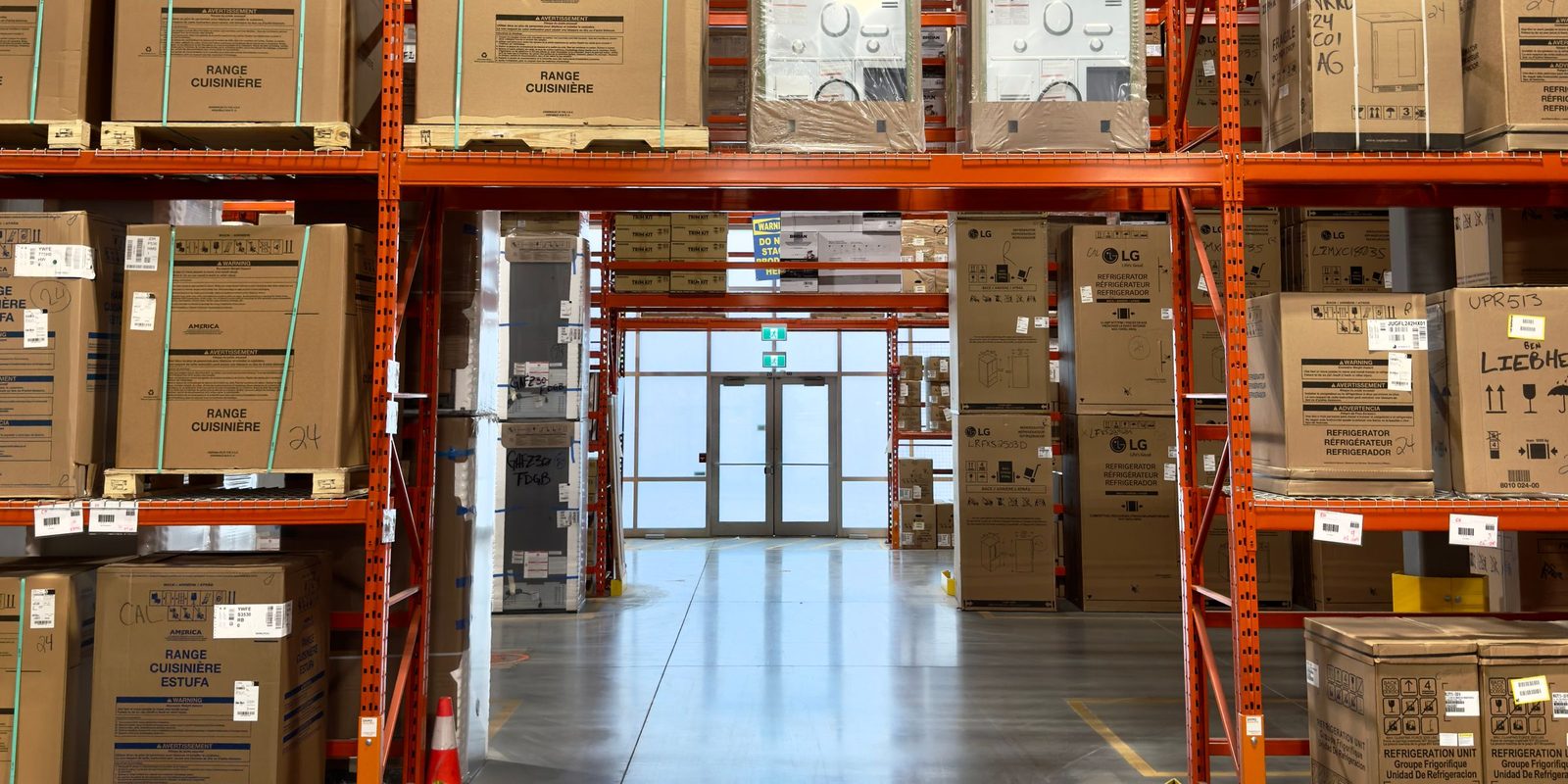
What works at this size sits next to the buyer’s desk. The system reads a supplier quote and matches each line against the price last paid. An emailed order becomes a draft that somebody checks before the draft enters the ERP. Parts whose lead time changed since the last purchase order get flagged in time to react. For the full list, see AI for supply chain.
Forecasting sits on the same side of the split. A forecast reads sales history and open orders, and depends on sales codes that somebody has reconciled. If one code covers two products, the forecast for that code is wrong for both products. The owner sees the forecast quantity next to the sales history behind the quantity, and checks both before placing a purchase order.
At a distributor, 39 GB of product data in more than 14,000 files disagreed about what the products were. The project merged the files into one catalogue that feeds four systems, and most values record where they came from. A queue lets the client team check the remaining values one by one.
Where to start
Start at the desk where one person holds up the work and the records already sit in a system that exports. If both halves of the term fit your plant, start with the records half, because the plant has already paid for those systems.
Company size predicts less than vendor pages suggest. Statistics Canada reports that 19.9 percent of businesses with 1 to 4 employees use AI, against 27.8 percent of businesses with 100 or more. The gap is under eight points.
A first build reads the plant’s real data, not a sample. A system tuned on a sample misses the exceptions that the real data holds.
ThriveAI works with your team, by video call or on site, and builds each module on the plant’s real data. The people who will approve the output watch the work and flag errors while the module takes shape.